Features
Structured capabilities of CalcIUM, aligned with the in-app manual. For control names and step-by-step behavior, open Help.
Core mathematics
- Scientific calculations with high-precision decimal arithmetic (BigDecimal-based engine).
- Trigonometric, inverse and hyperbolic families; angle mode RAD/DEG.
- Logarithmic and exponential functions; roots, powers, factorial; nPr and nCr.
- Nested expressions; percentage modes (Classic / Simple) from Settings.
- Rounding modes and decimal precision from Settings; remainder
//modes.
Functions panel
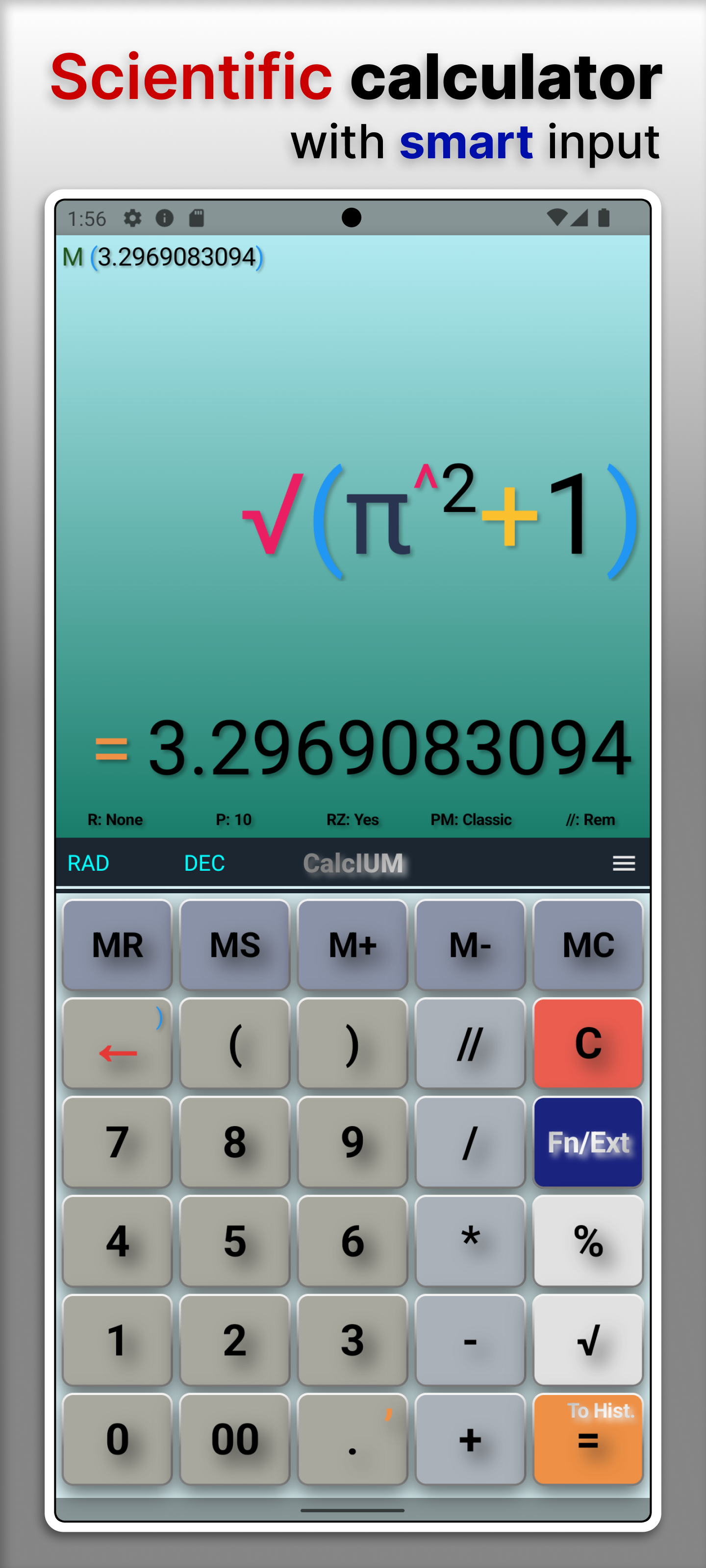
- Function panel groups advanced operations; HYP toggles hyperbolic variants.
Extension panel overview
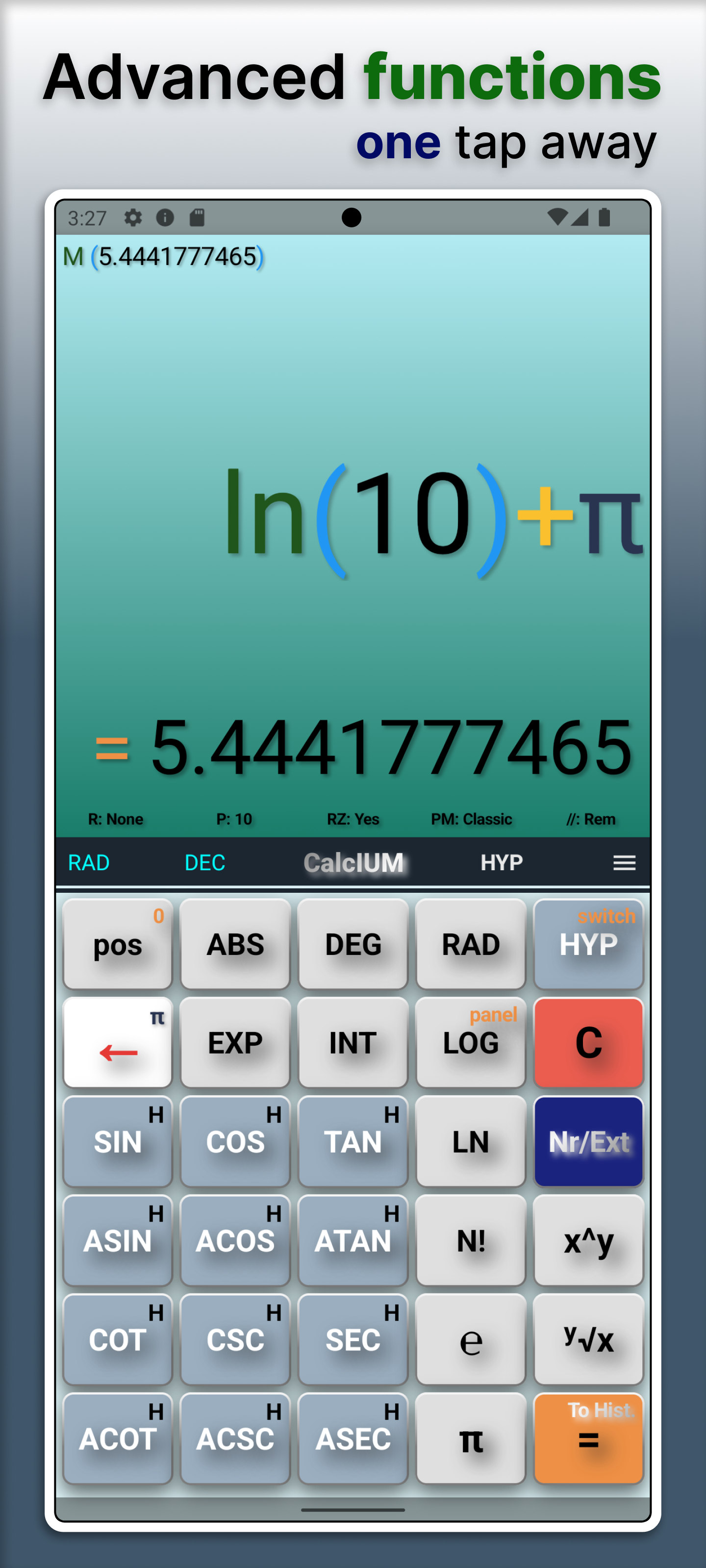
- Advanced tools are grouped in one extension panel for fast access during calculations.
Graphing
- Function y = f(x), parametric x(t), y(t), and polar r(θ).
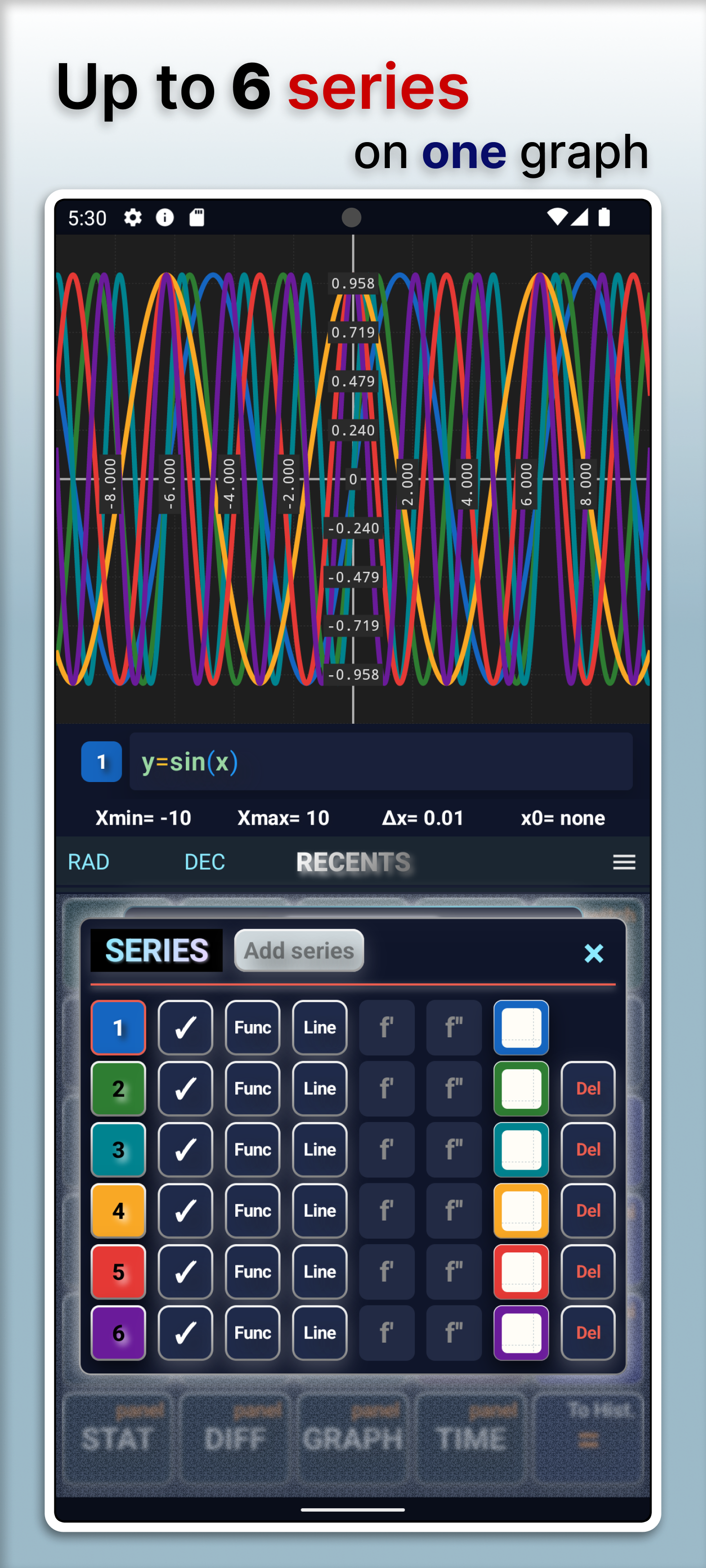
- Up to six series; per-series visibility, line/dots, first and second derivatives (function mode), area under curve, polar animated point.
Graph presets
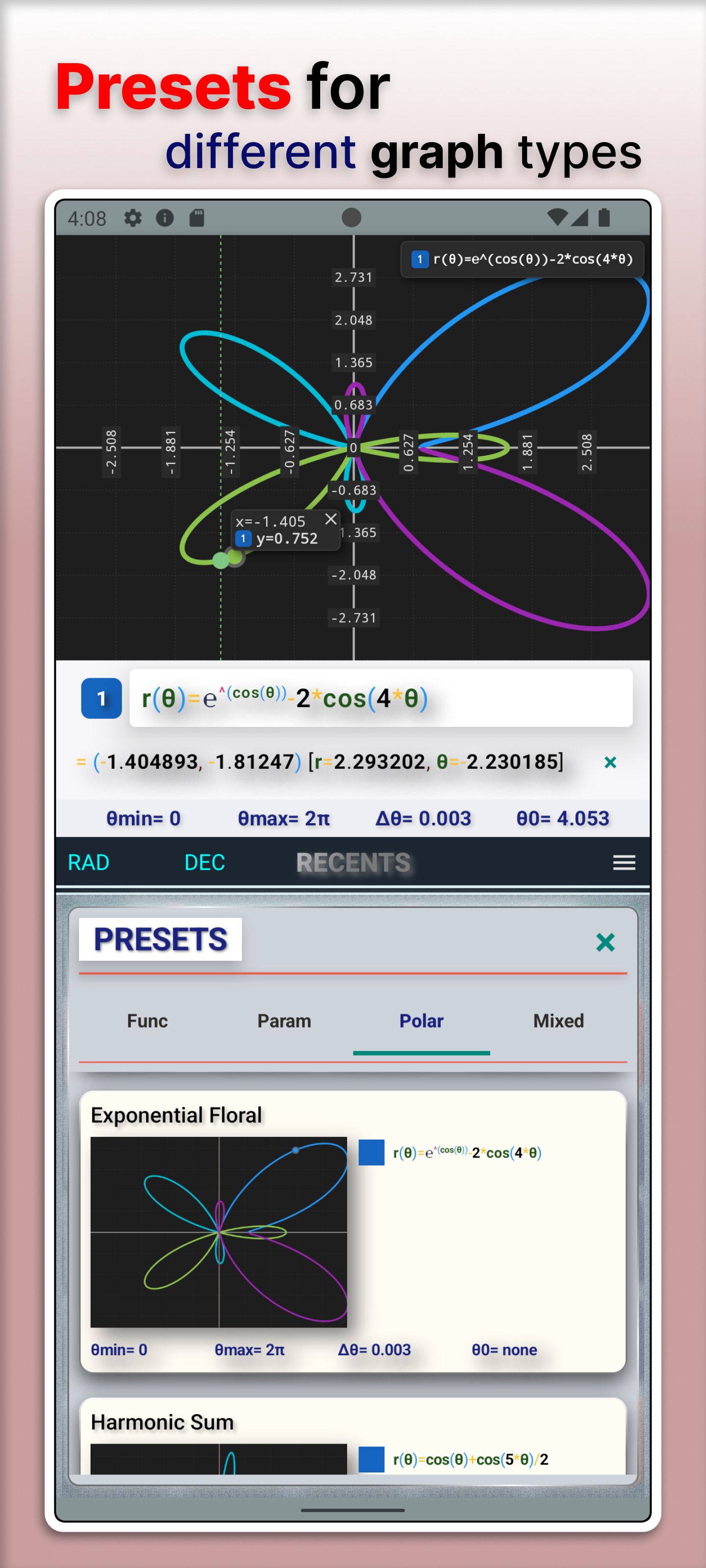
- Presets for function, parametric and polar setups.
- Fast start for common graph scenarios with editable follow-up.
Graph view and control
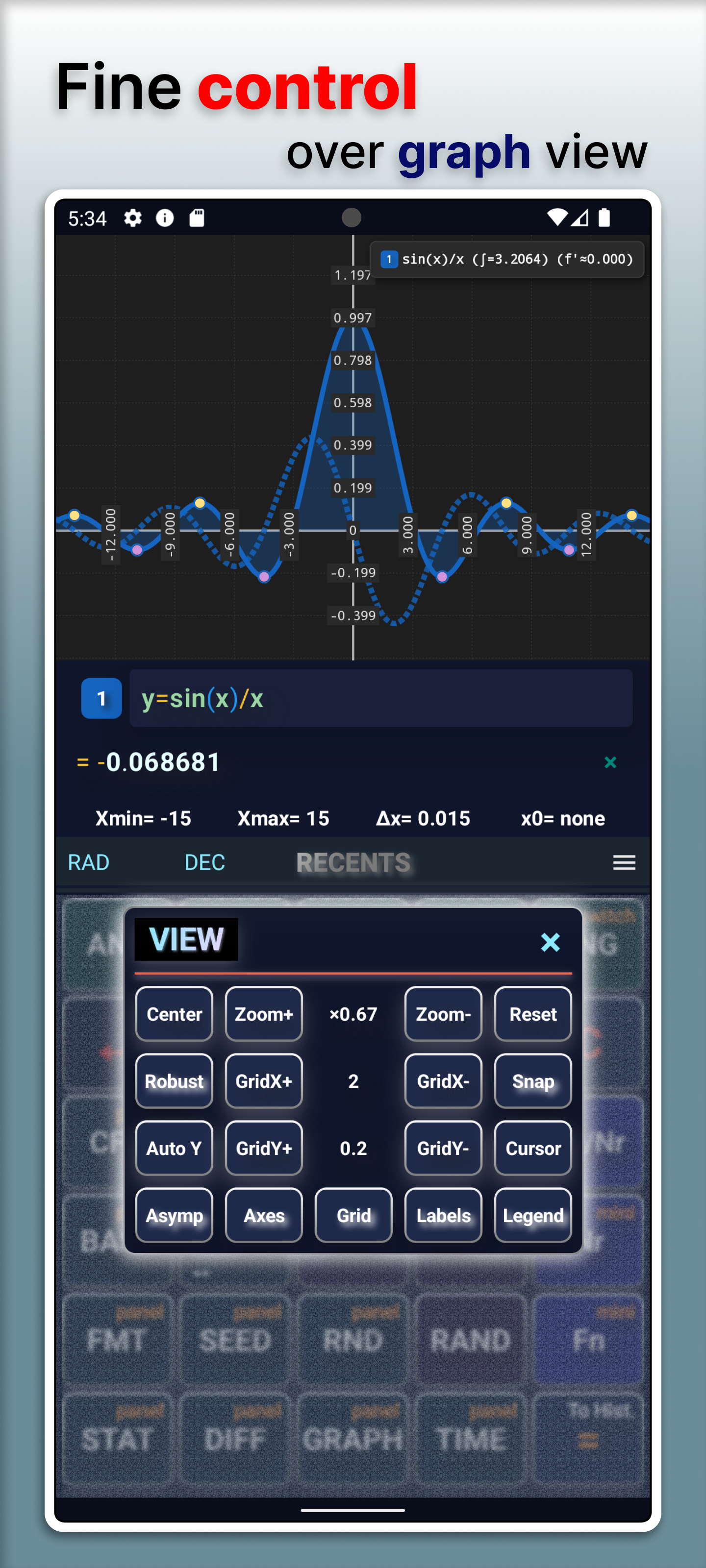
- View controls for zoom, grid, axes, labels, legend, asymptotes and auto Y.
Graph themes
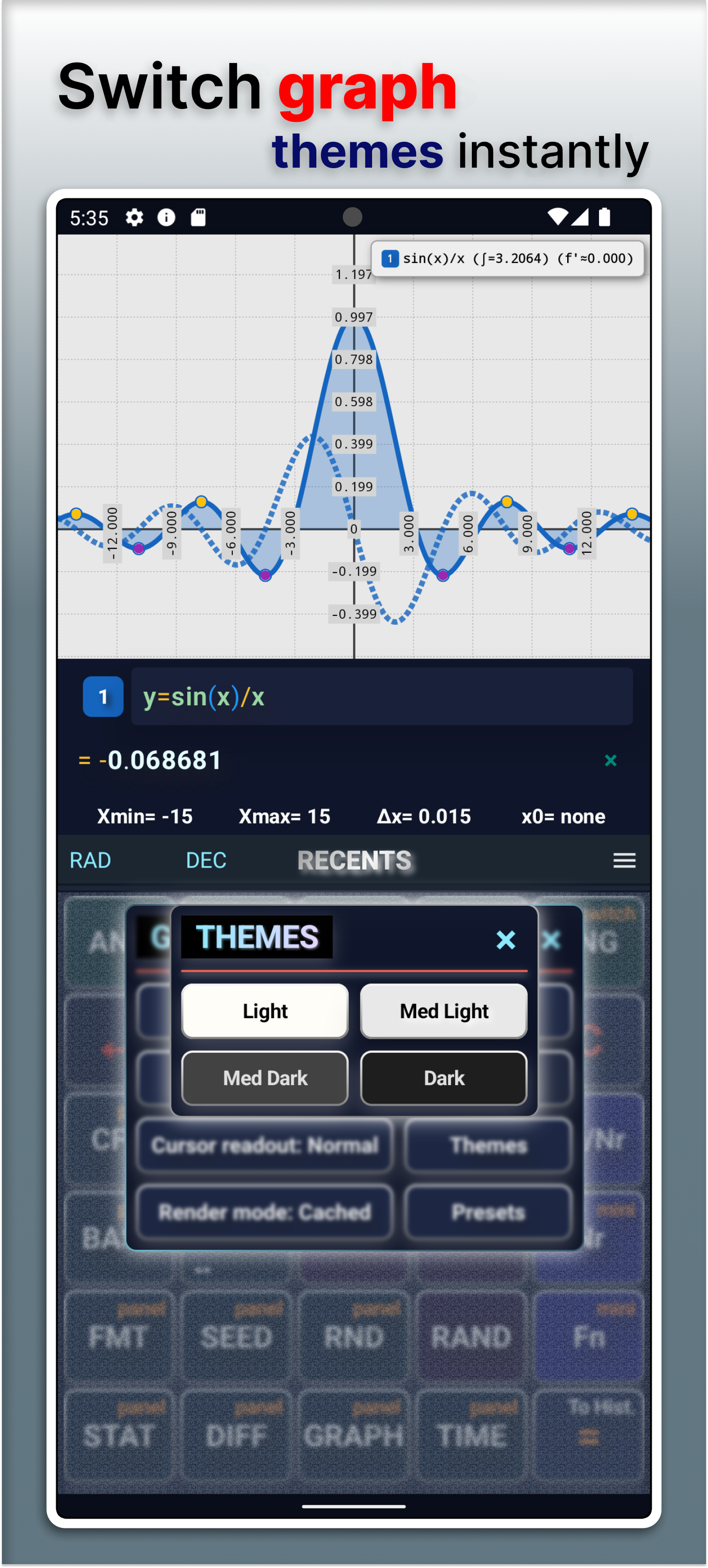
- Switch graph themes instantly to match contrast and reading preferences.
- Theme controls are available directly in graph overlays.
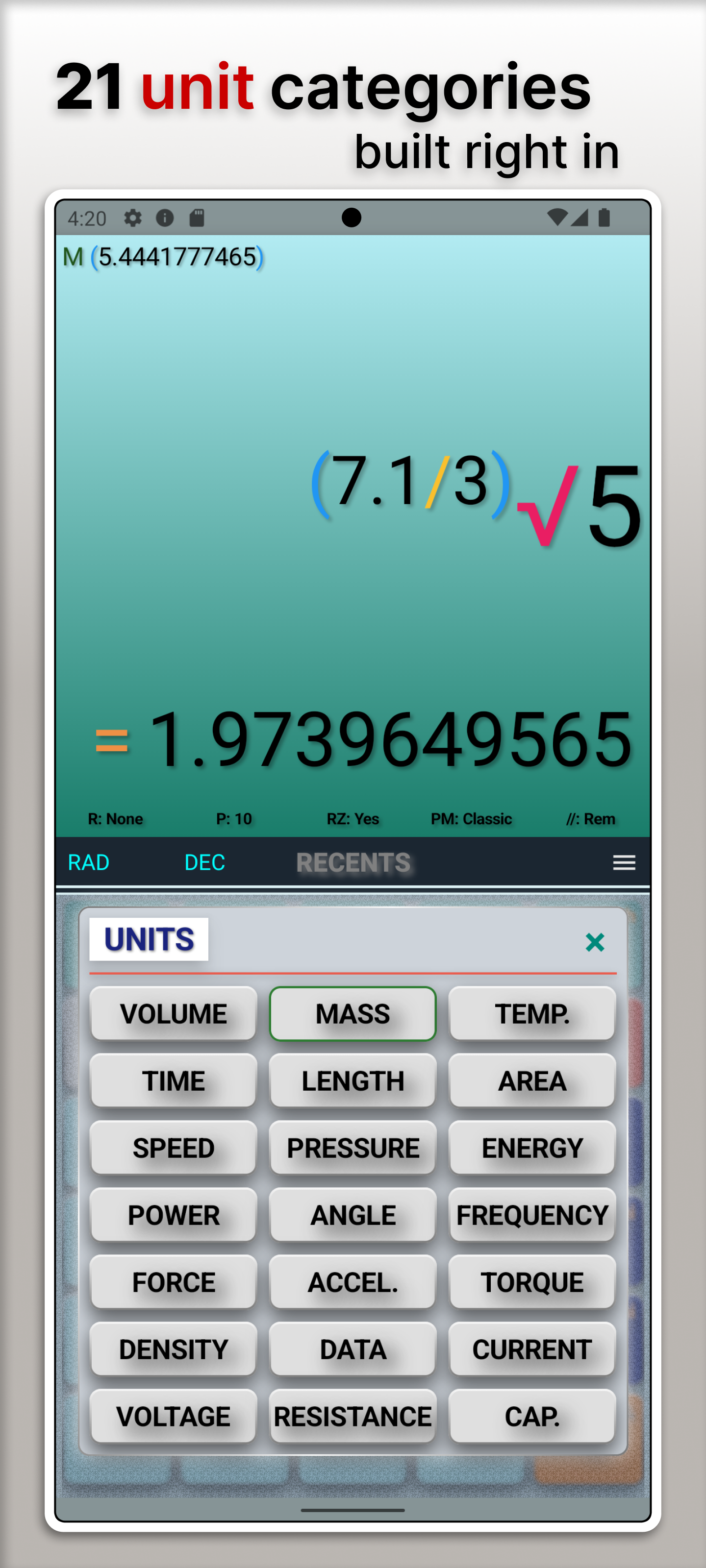
Unit conversion categories
- Twenty-one categories (time, length, mass, temperature, data with SI/IEC toggle, electrical units, and more).
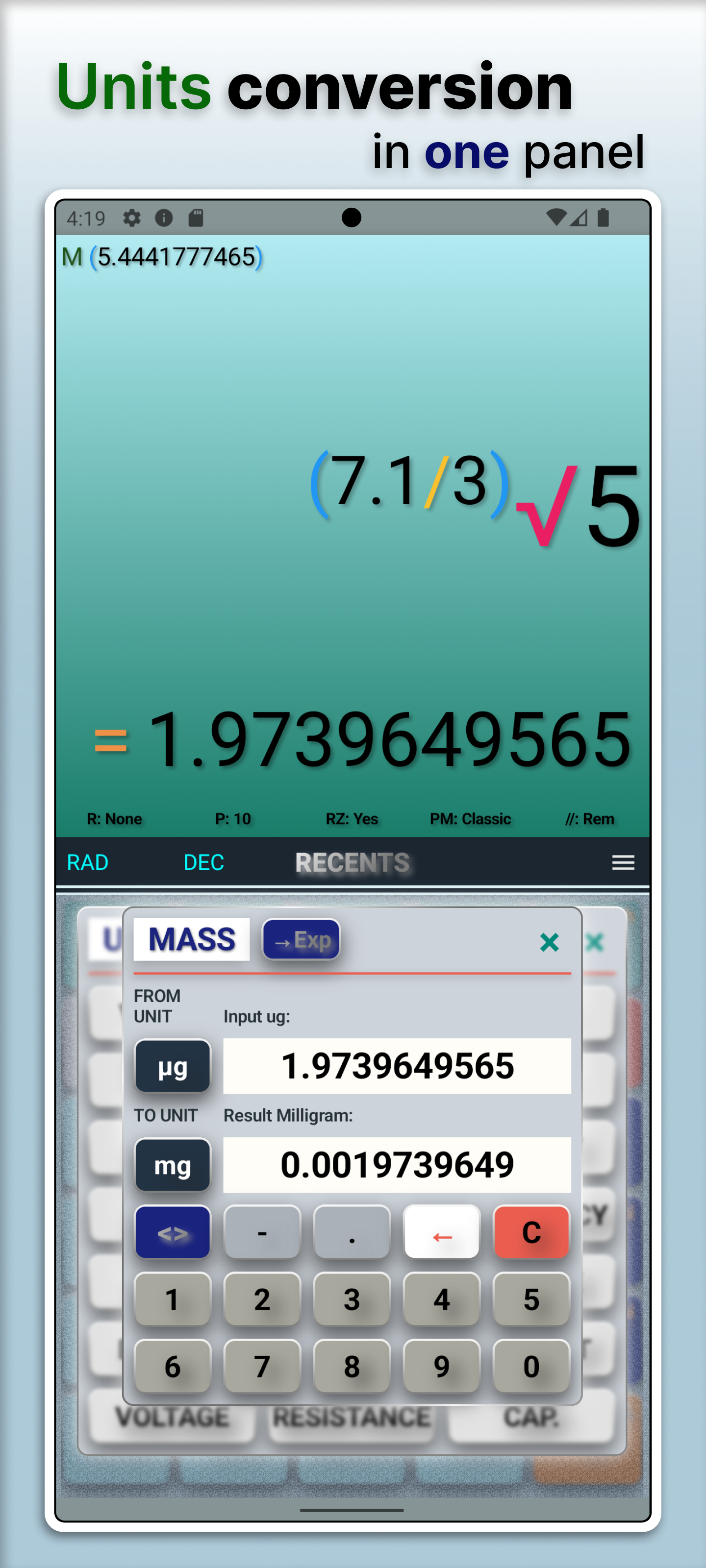
Conversion workflow
- Large set of units per category with FROM/TO selection, swap, and direct insert into expression.
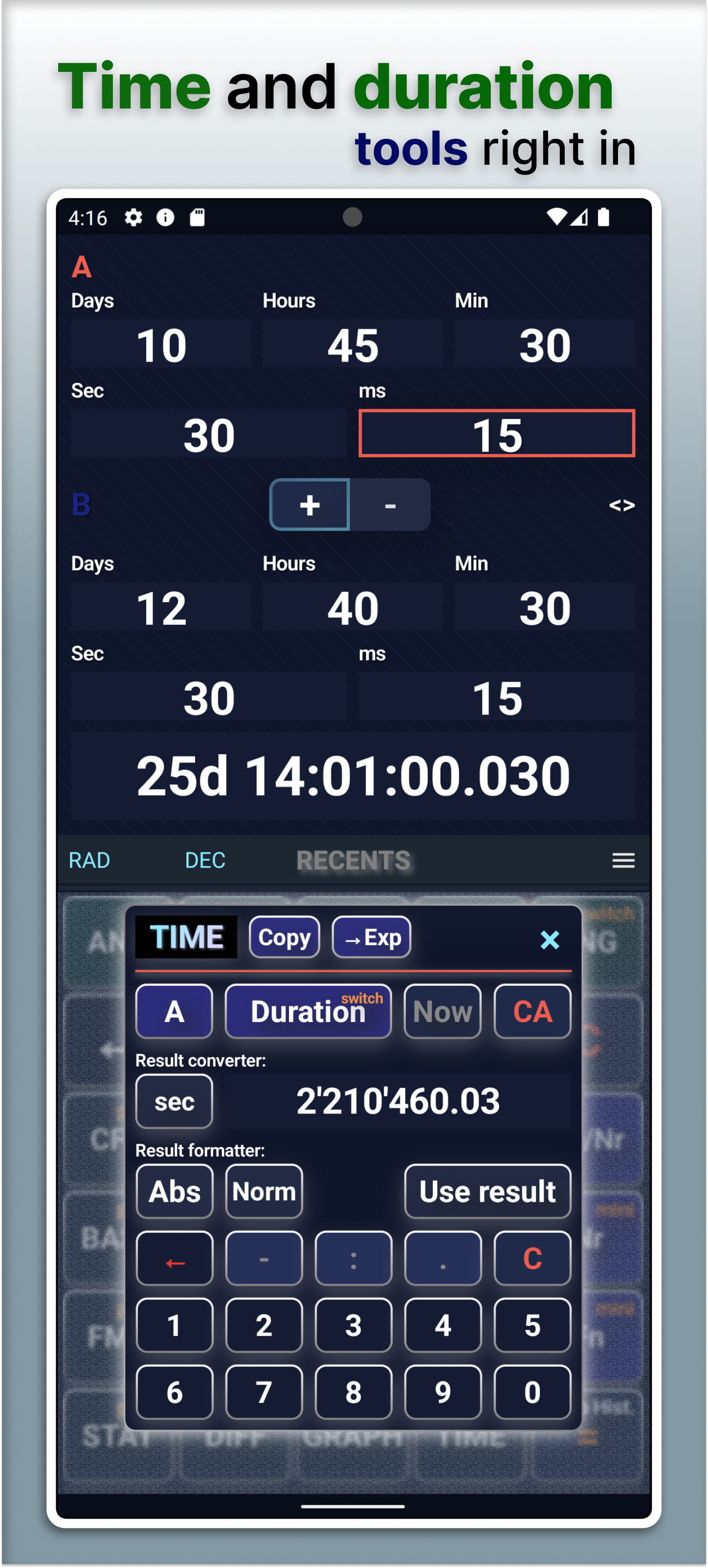
Time and duration
- TIME overlay supports duration and date-time operands with add/subtract workflows.
- Copy or insert results into the expression when you are done.
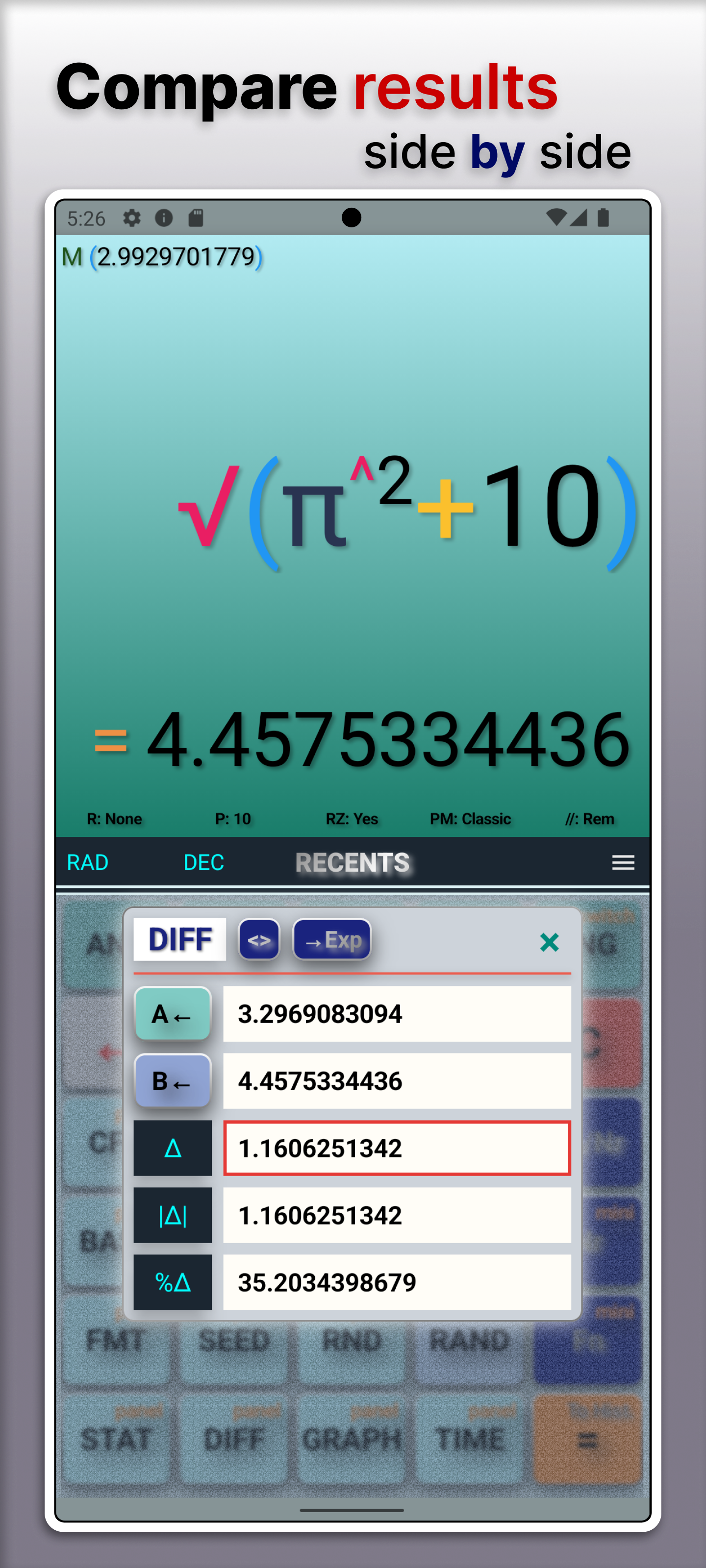
Result comparison
- DIFF overlay compares previous and current results (difference, absolute change, percent change).
- Selected comparison value can be inserted into the expression.
Result formatting
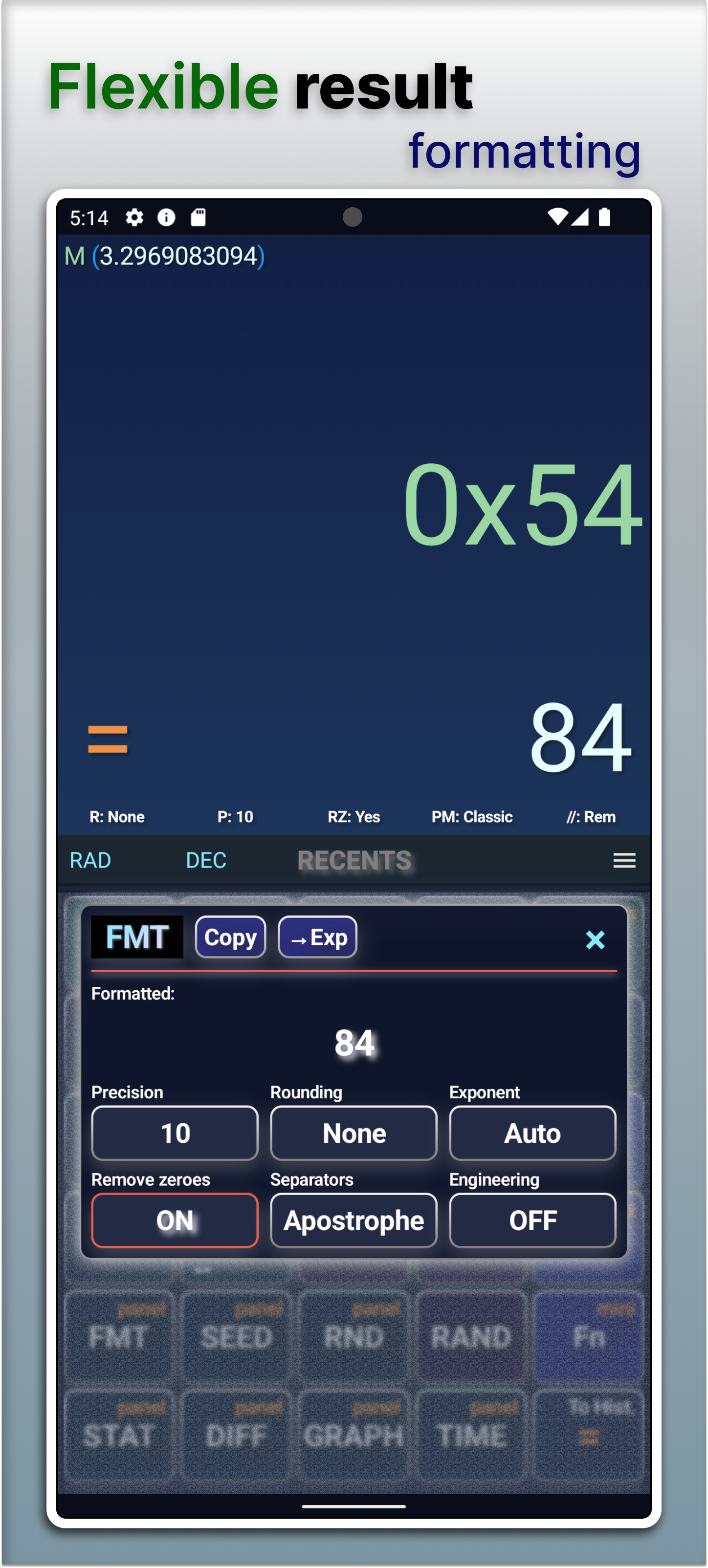
- FMT overlay formats the current result with local precision, rounding, exponent and separator options.
- Copy formatted output or insert it at the cursor.
Additional tools
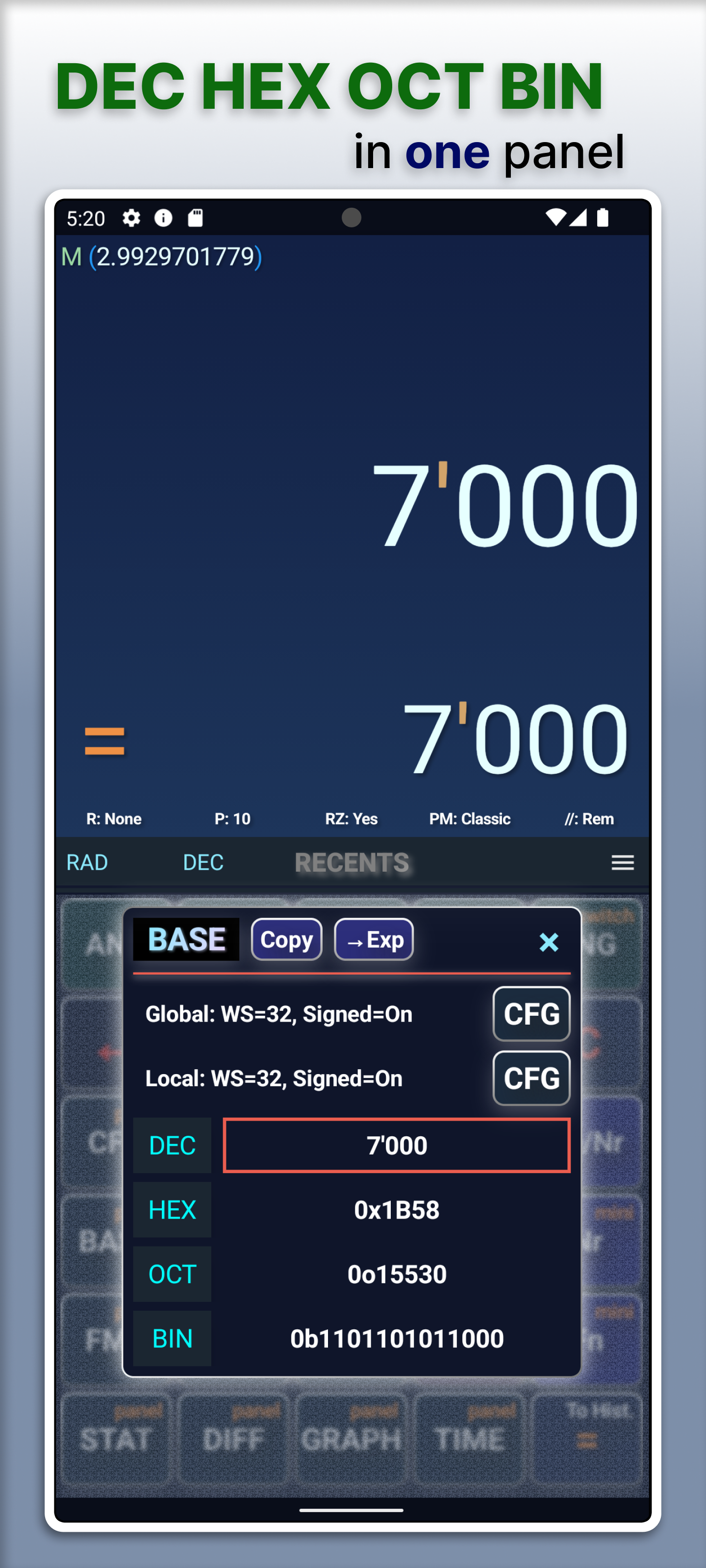
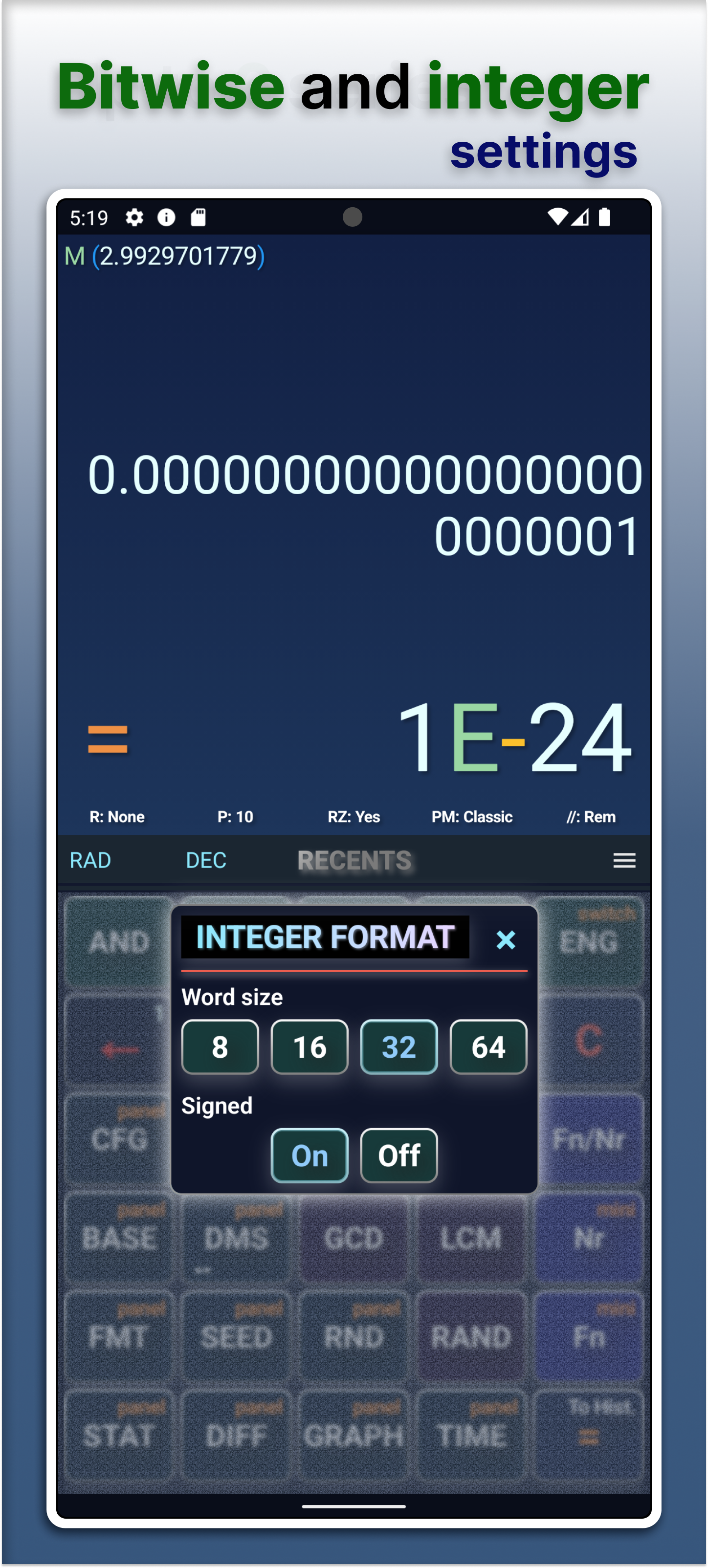
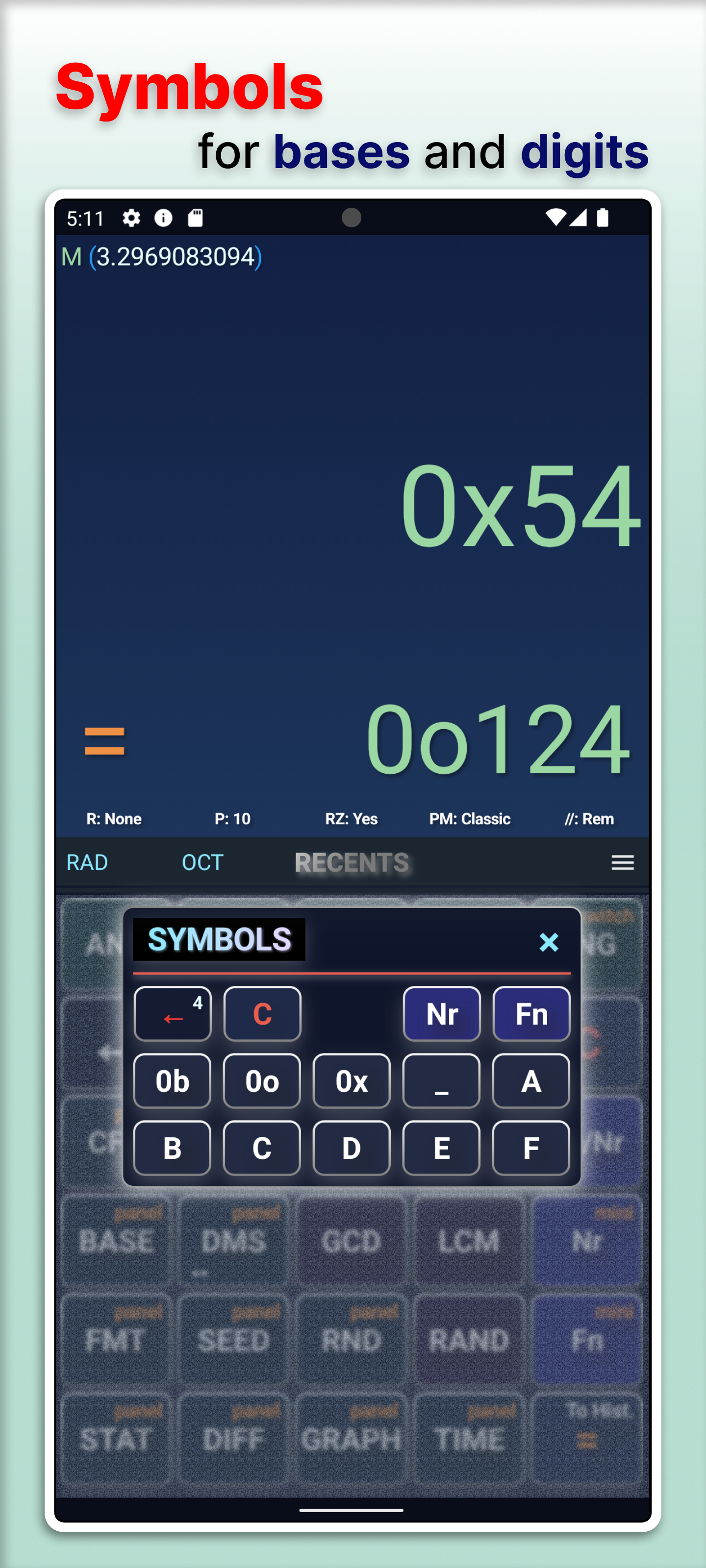
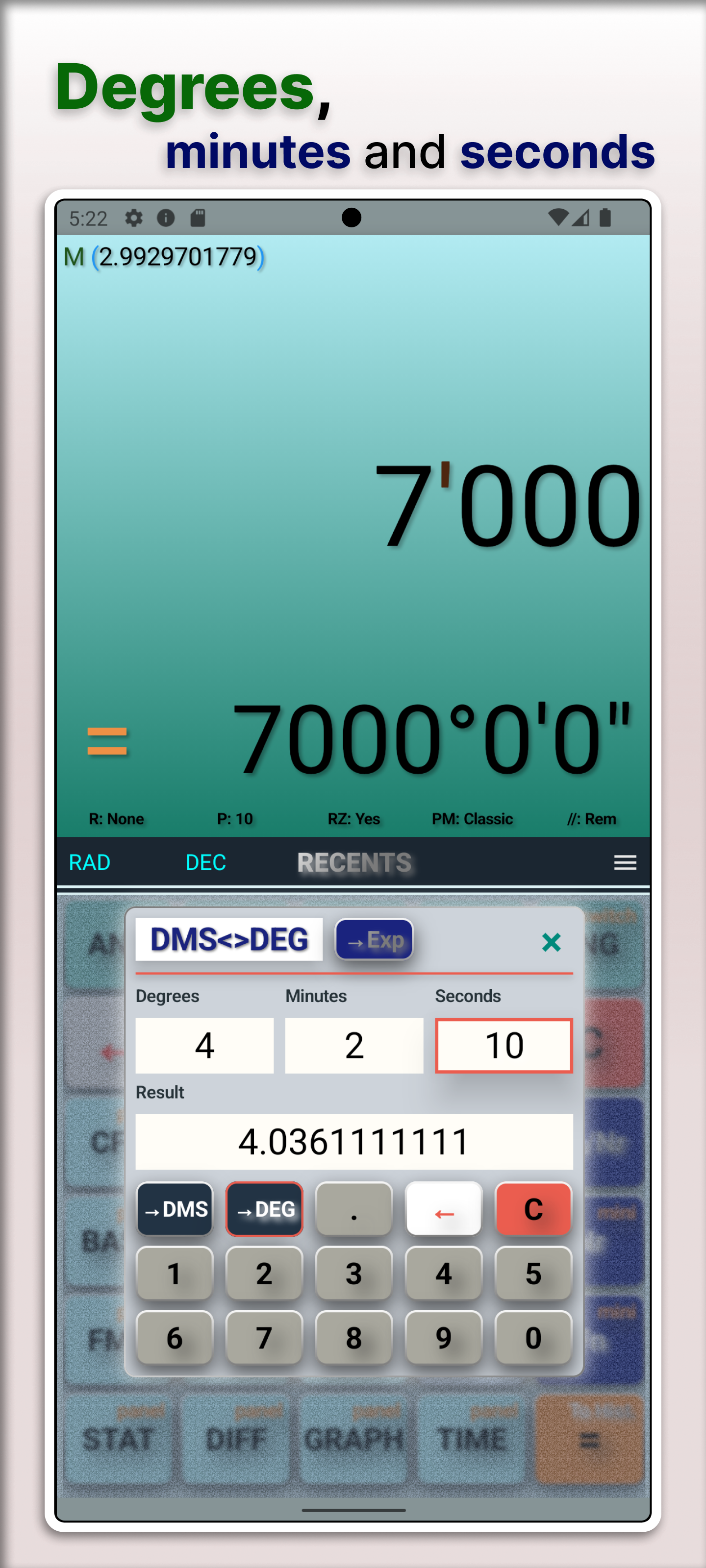
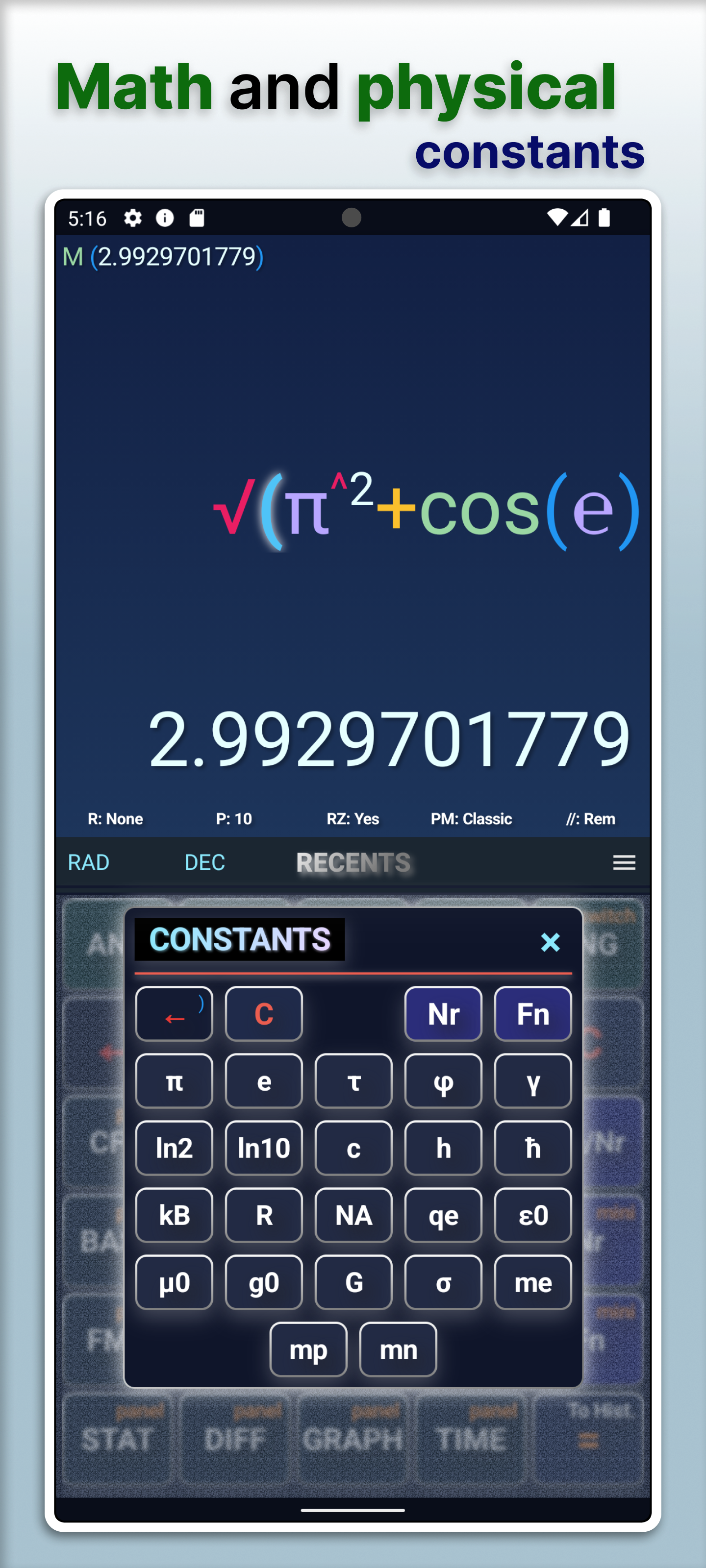
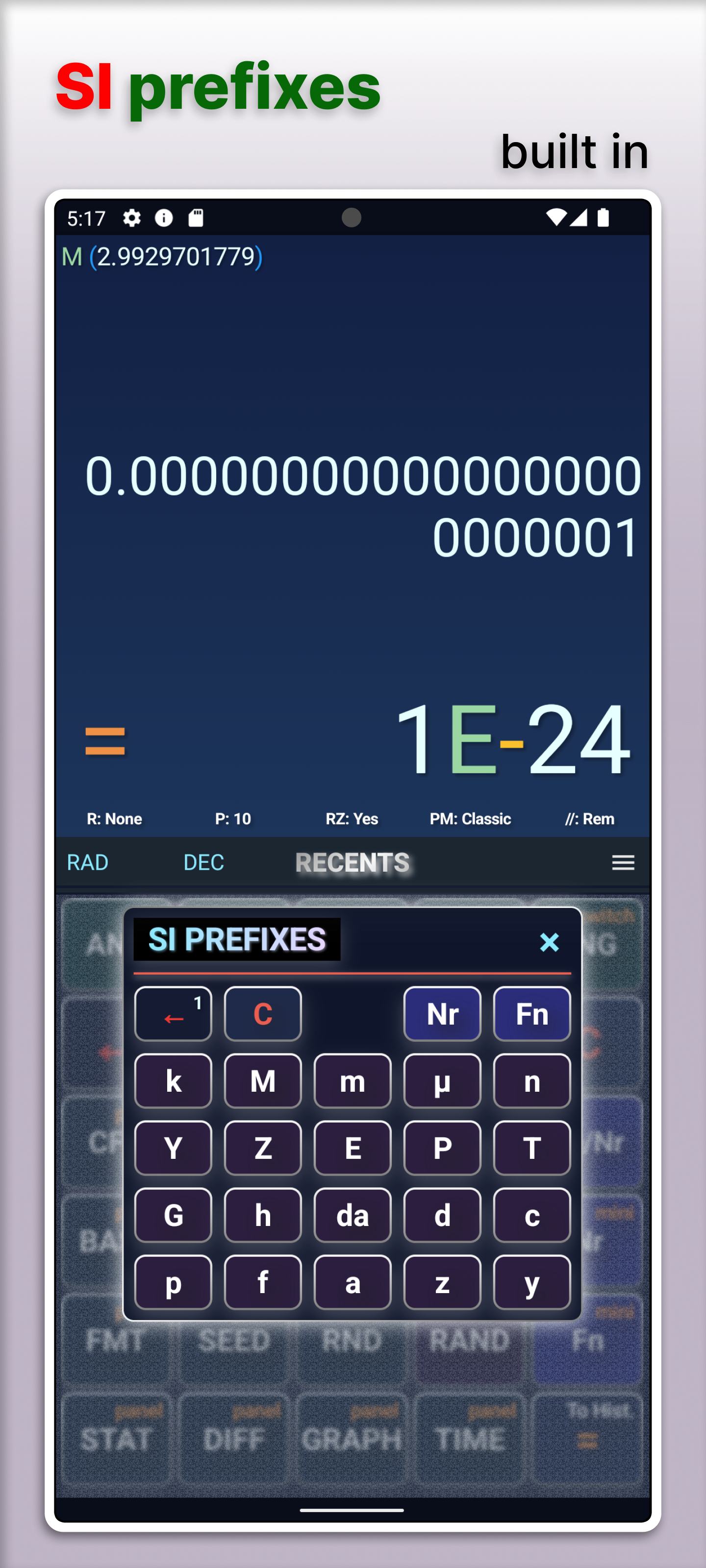
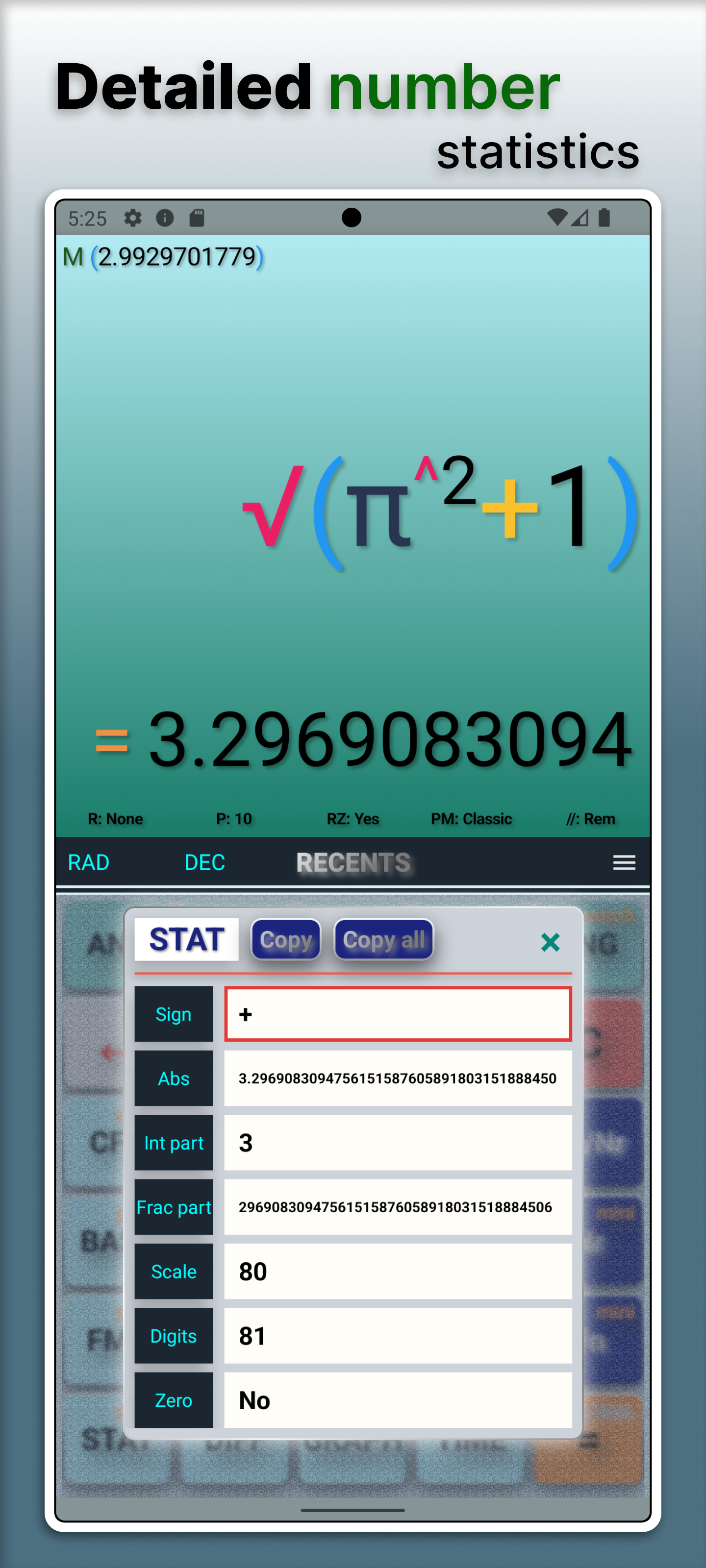
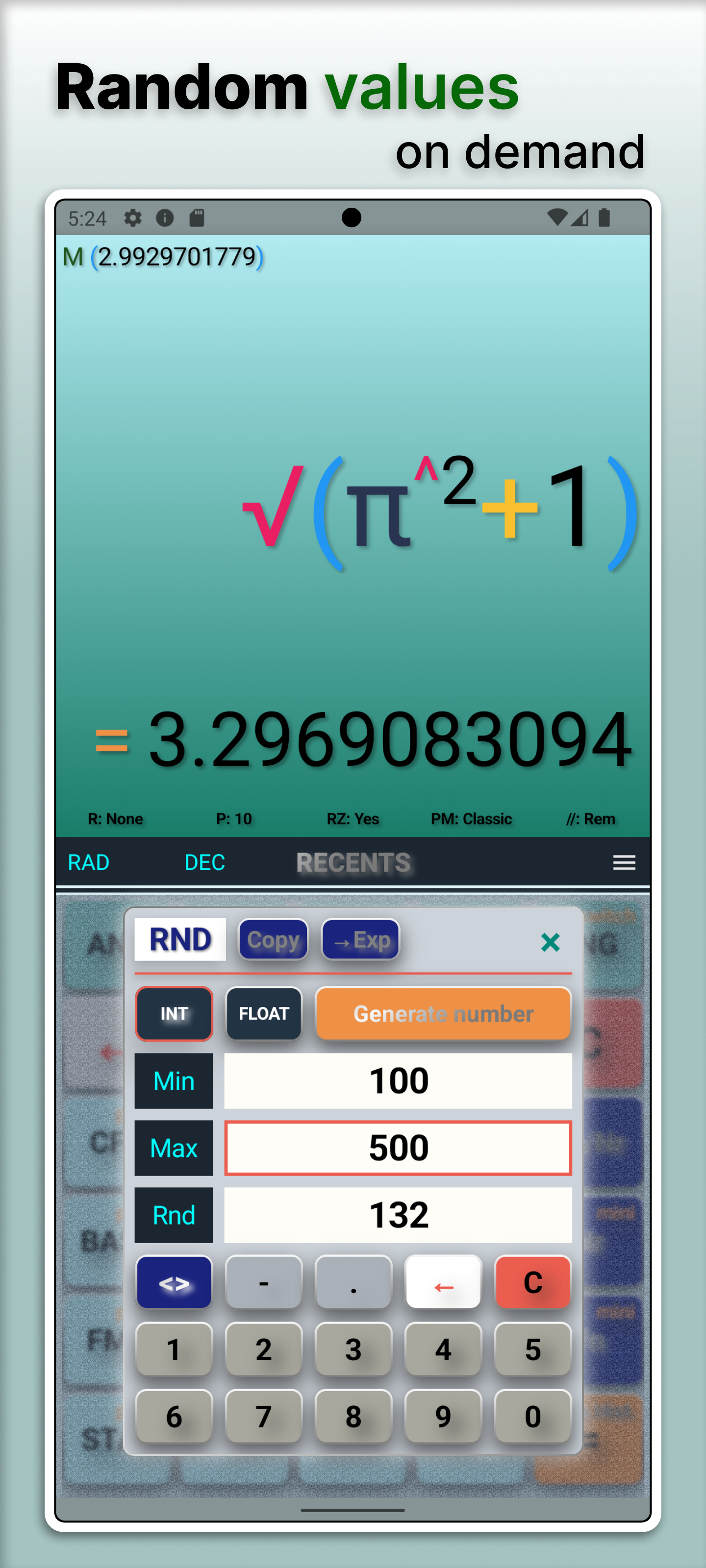
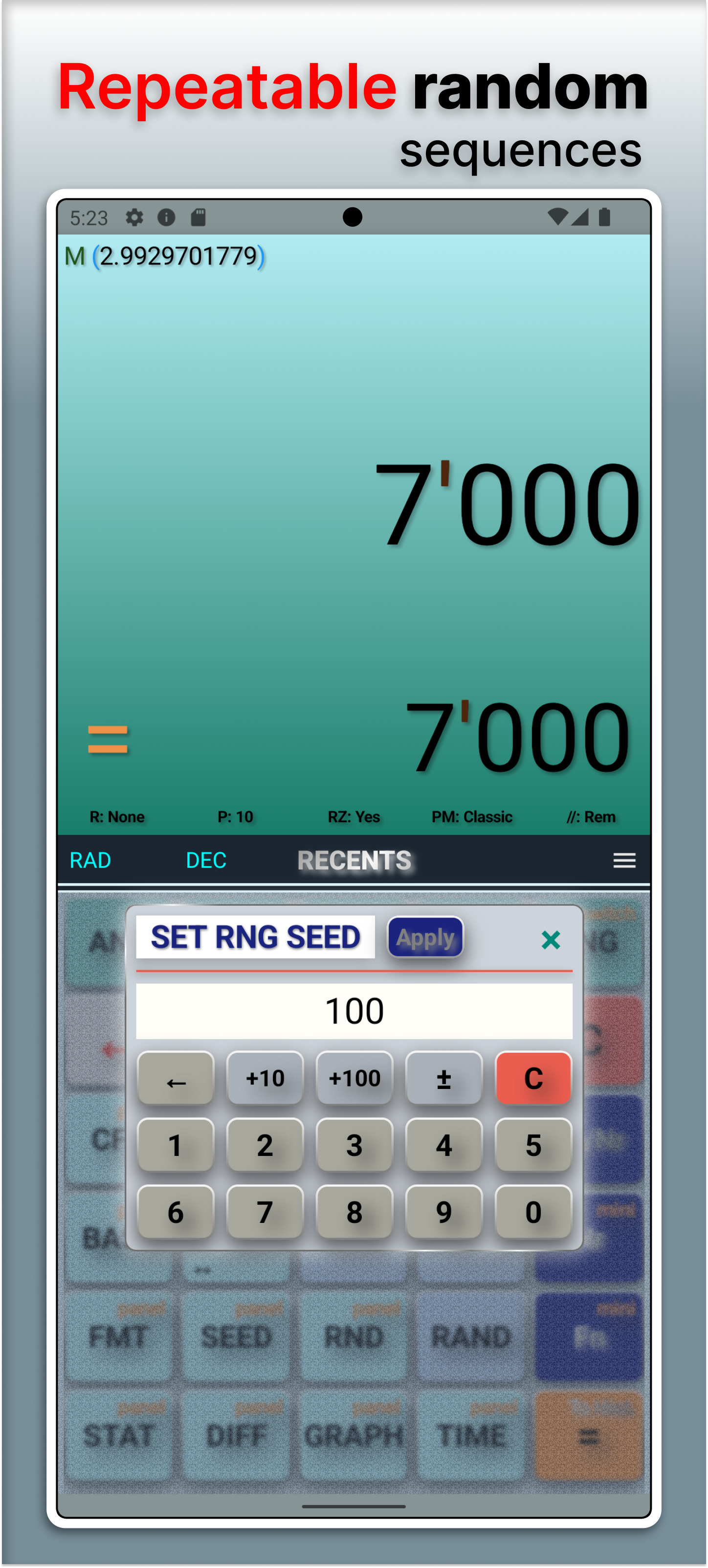
The Extension panel includes programmer-oriented tools—binary, octal, decimal and hexadecimal via the status bar and BASE overlay; bitwise operators with configurable word size (8/16/32/64) and signed/unsigned mode in CFG; and the symbols overlay for 0b, 0o, 0x, digit separators, and hex digits A–F—alongside DMS, constants, SI prefixes, number statistics, and random generators.
Interface & workflow
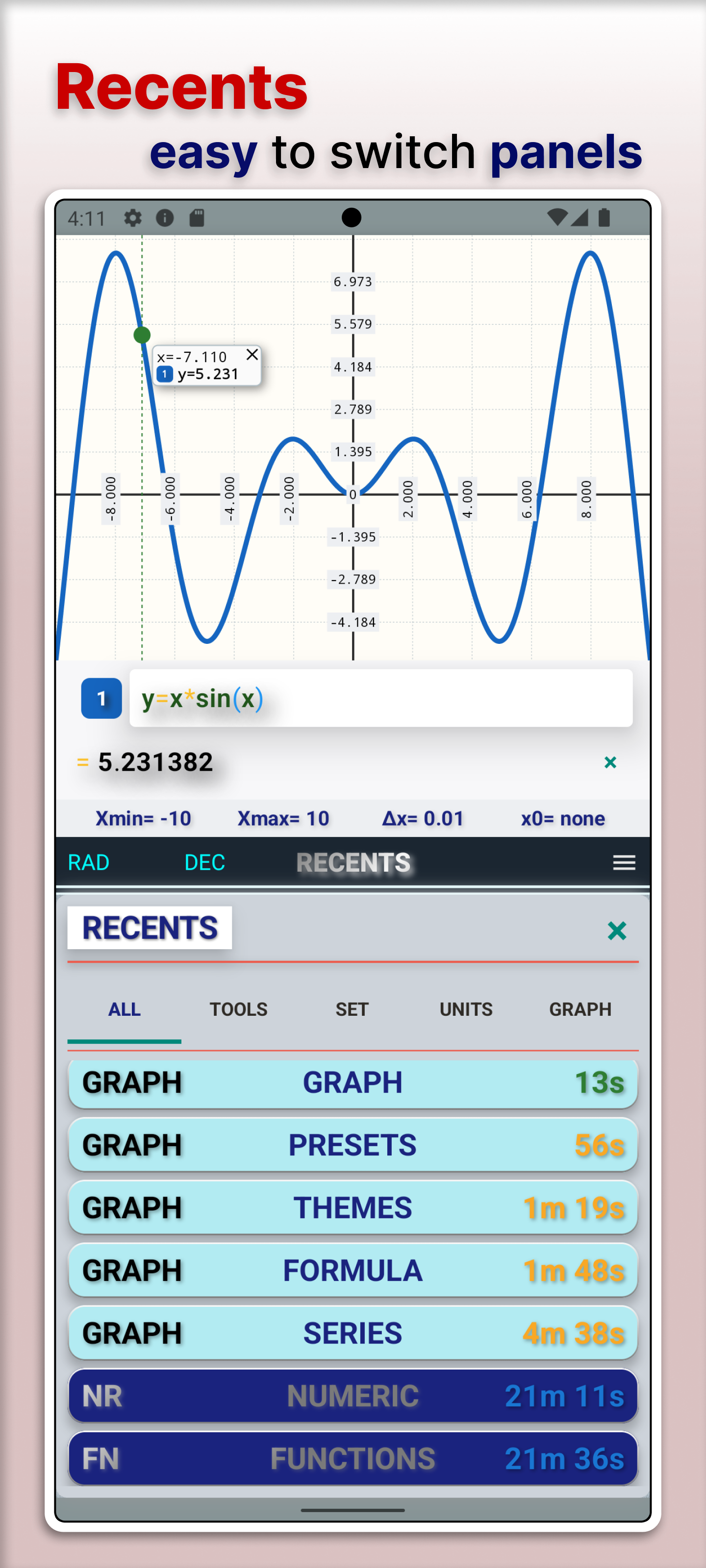
- Recents overlay for tools and graph panels; full History screen for expressions and graphs.
History
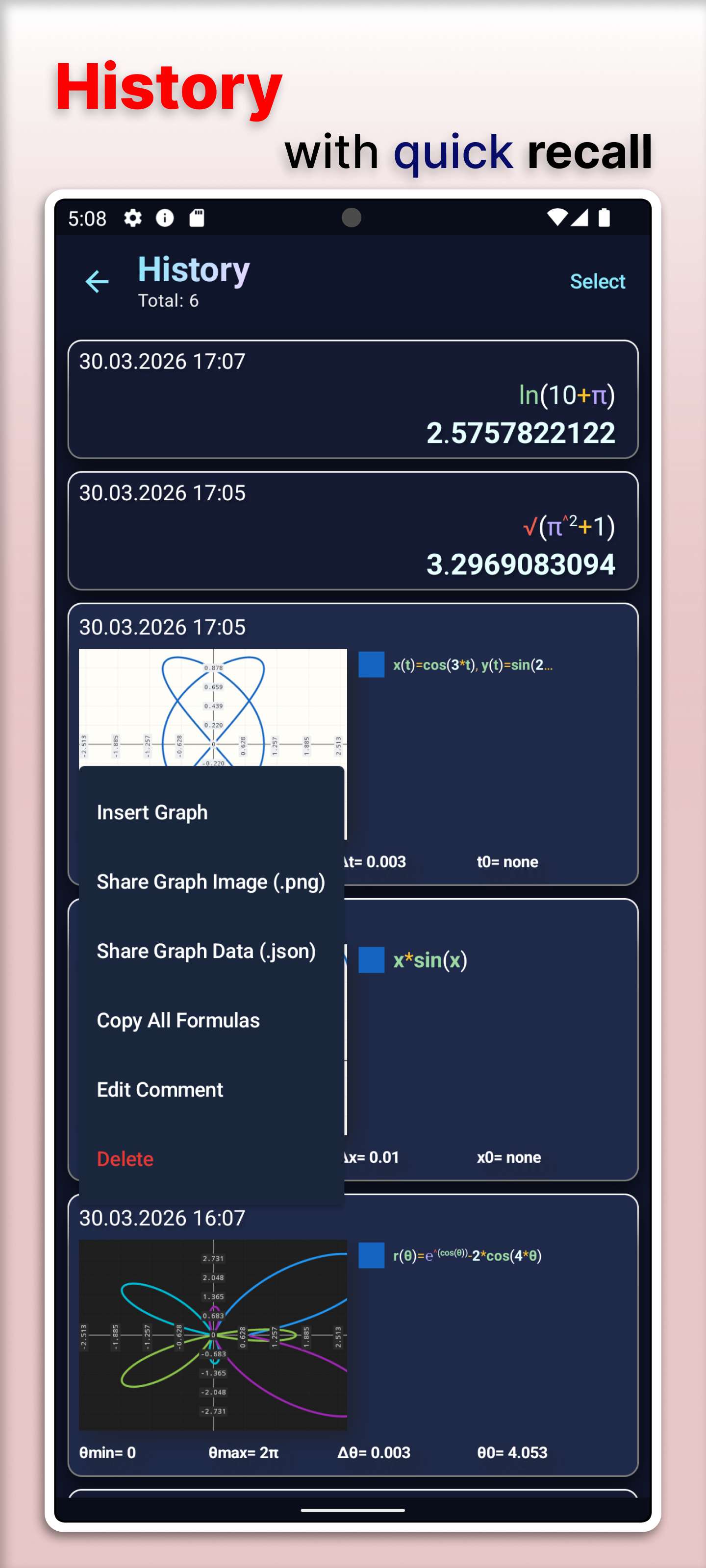
- History provides quick recall for saved expression and graph records, including graph restore actions.
Settings
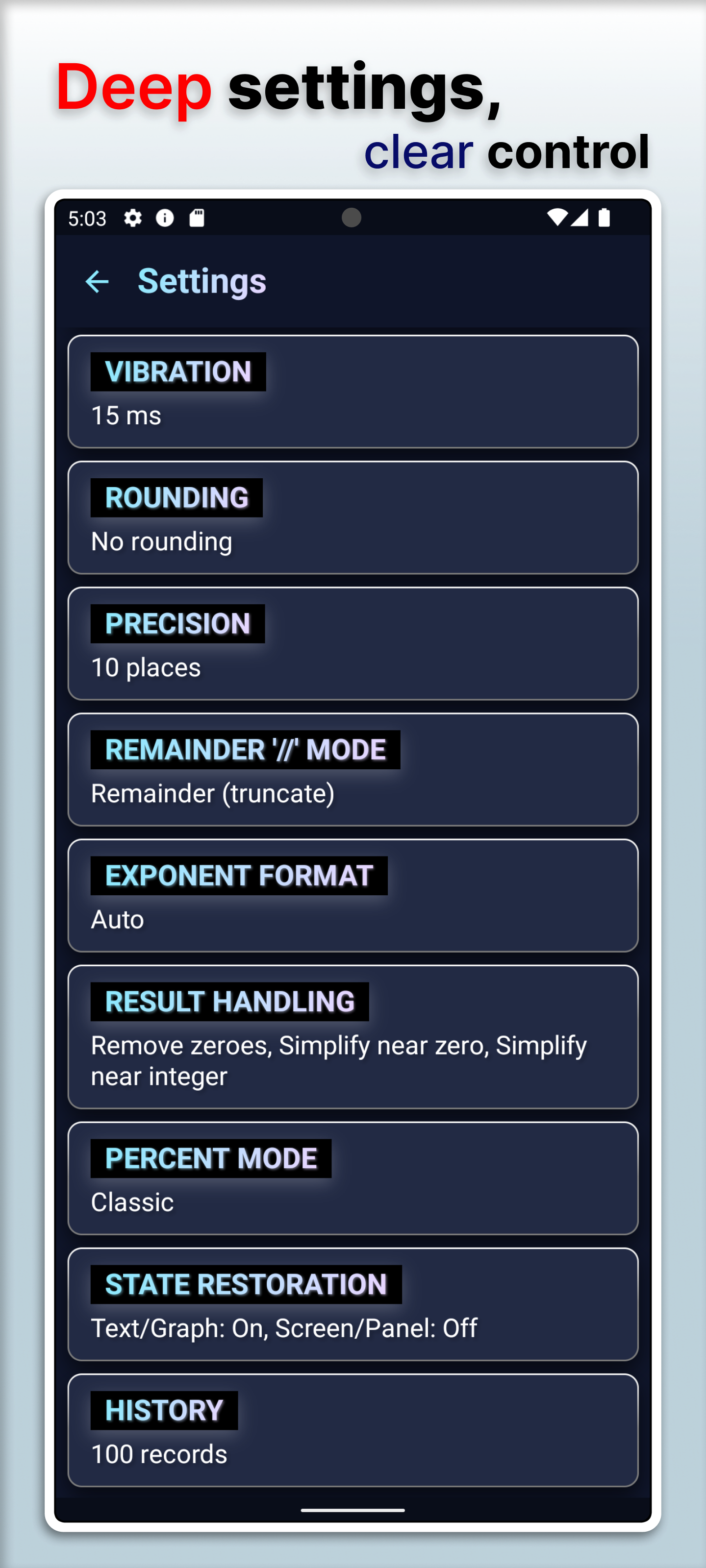
- Deep settings for input, view, animations, vibration, precision, and history limits.
Experimental features
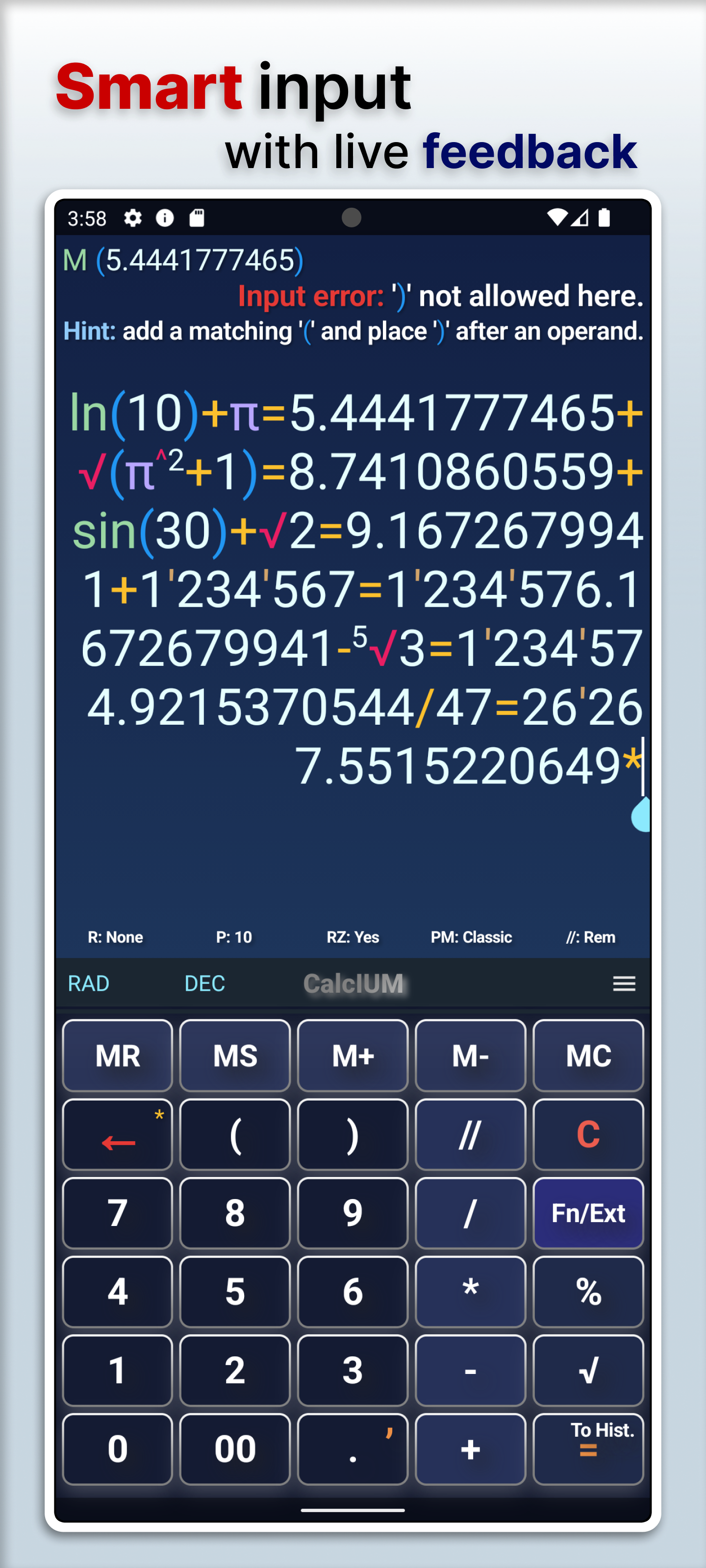
- Smart input and smart backspace are optional in Settings.
- Live evaluation feedback is shown on the main screen while editing expressions.
CalcIUM includes a Free tier and extended PRO capabilities inside the app. This page does not list store-specific purchase items — see Google Play and in-app screens when available.