CalcIUM
Advanced scientific calculator with graphing, unit conversion, programmer tools and on-device history.
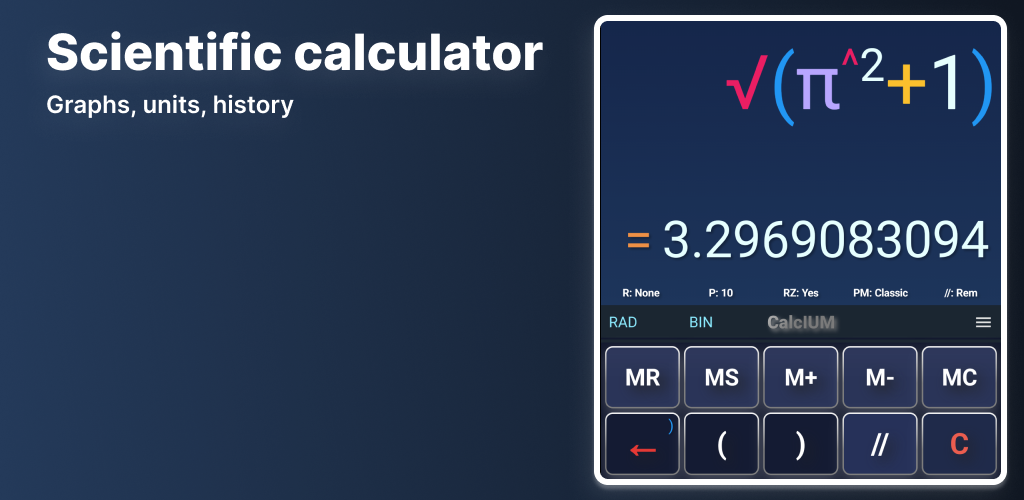
Built for everyday precision
It helps you move quickly through daily calculations while keeping the workflow clear, structured and precise.
From scientific math and graphing to unit conversions, time tools, number bases and extended panels, CalcIUM brings powerful functionality into one polished experience.
It is made for people who want a calculator that feels capable and pleasant to use — clean and simple at first glance, powerful when needed.
and for technical work
Core math
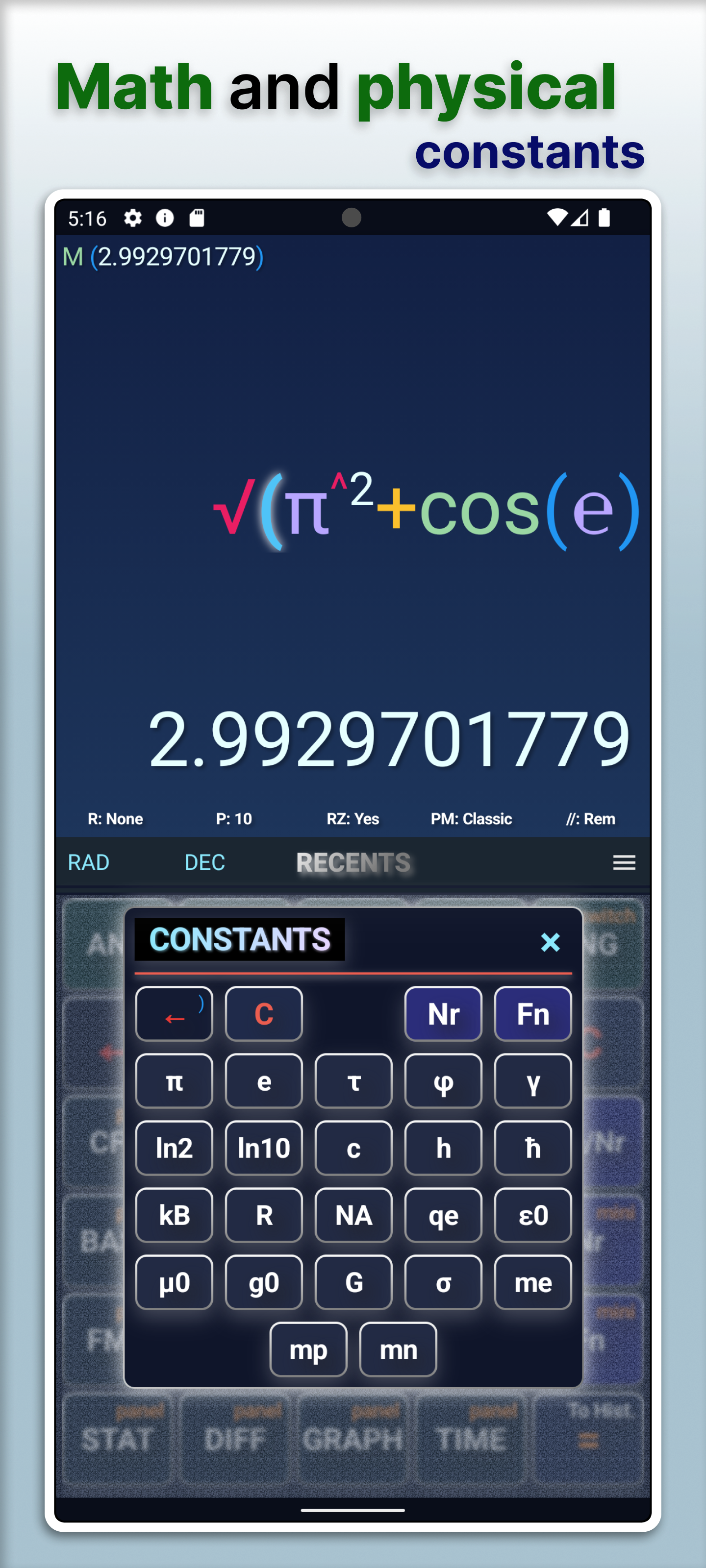
Scientific functions, precise decimal arithmetic, nested expressions, combinatorics and configurable rounding.
Graphing
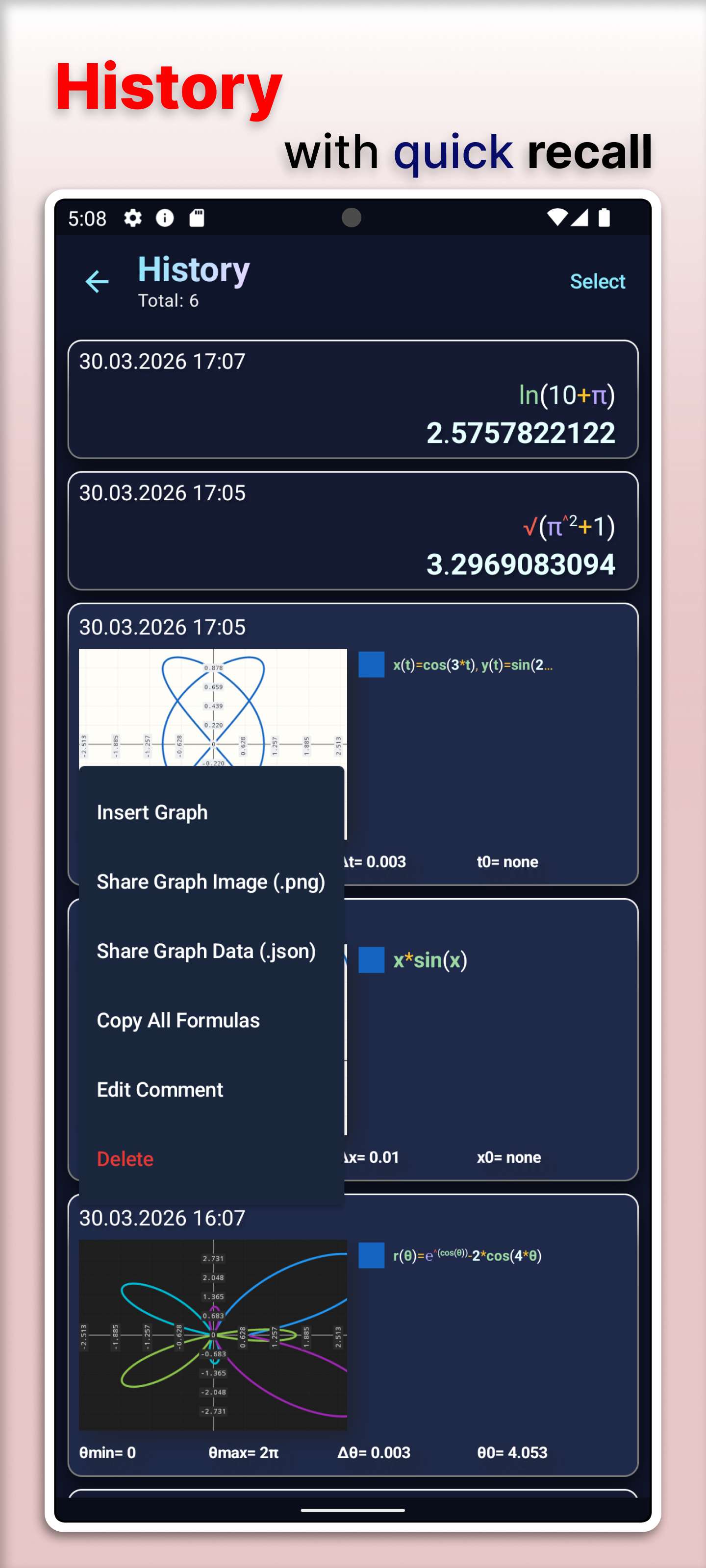
Function, parametric and polar plots, multiple series, derivatives, area fill and graph history.
Units & bases
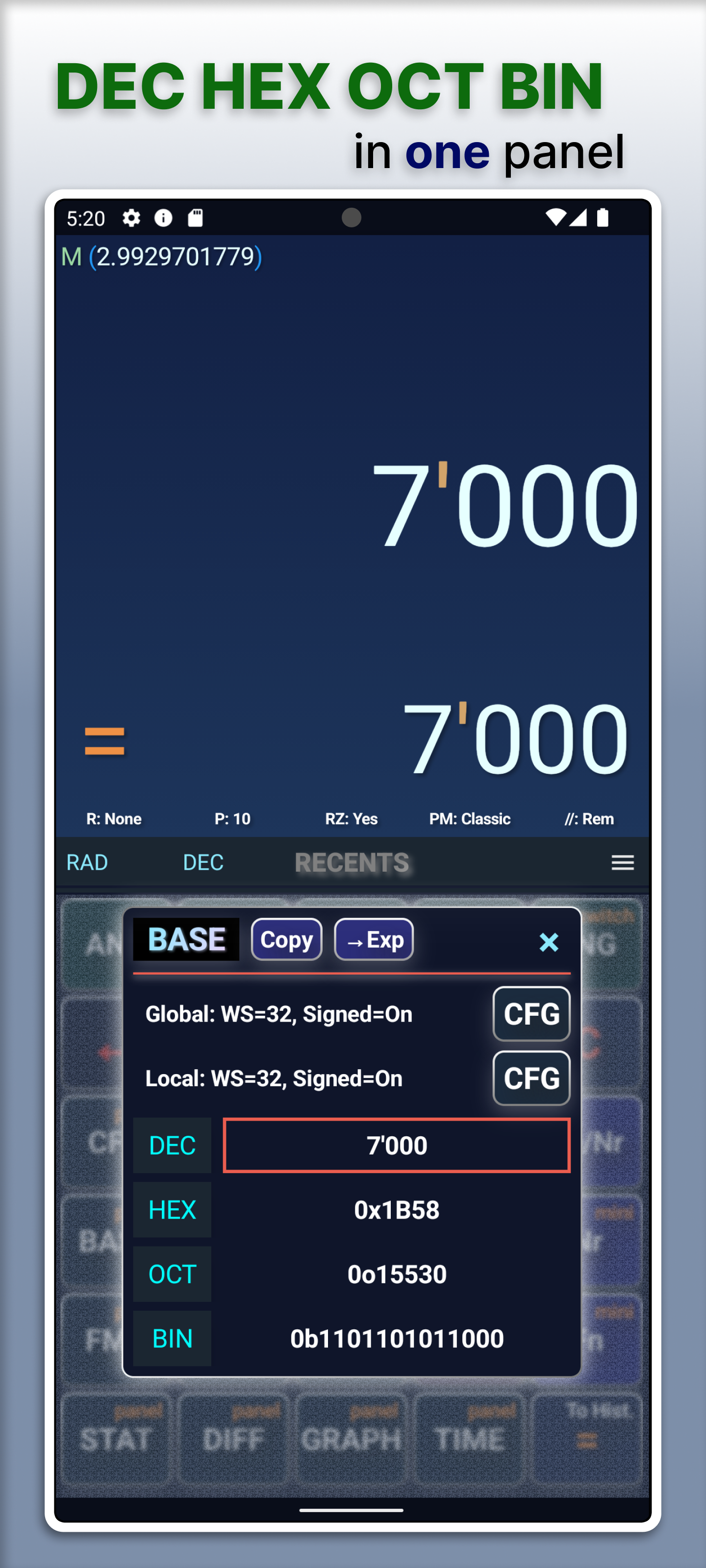
Broad unit categories with in-panel conversion; DEC, HEX, OCT and BIN with bitwise tools.
Workflow
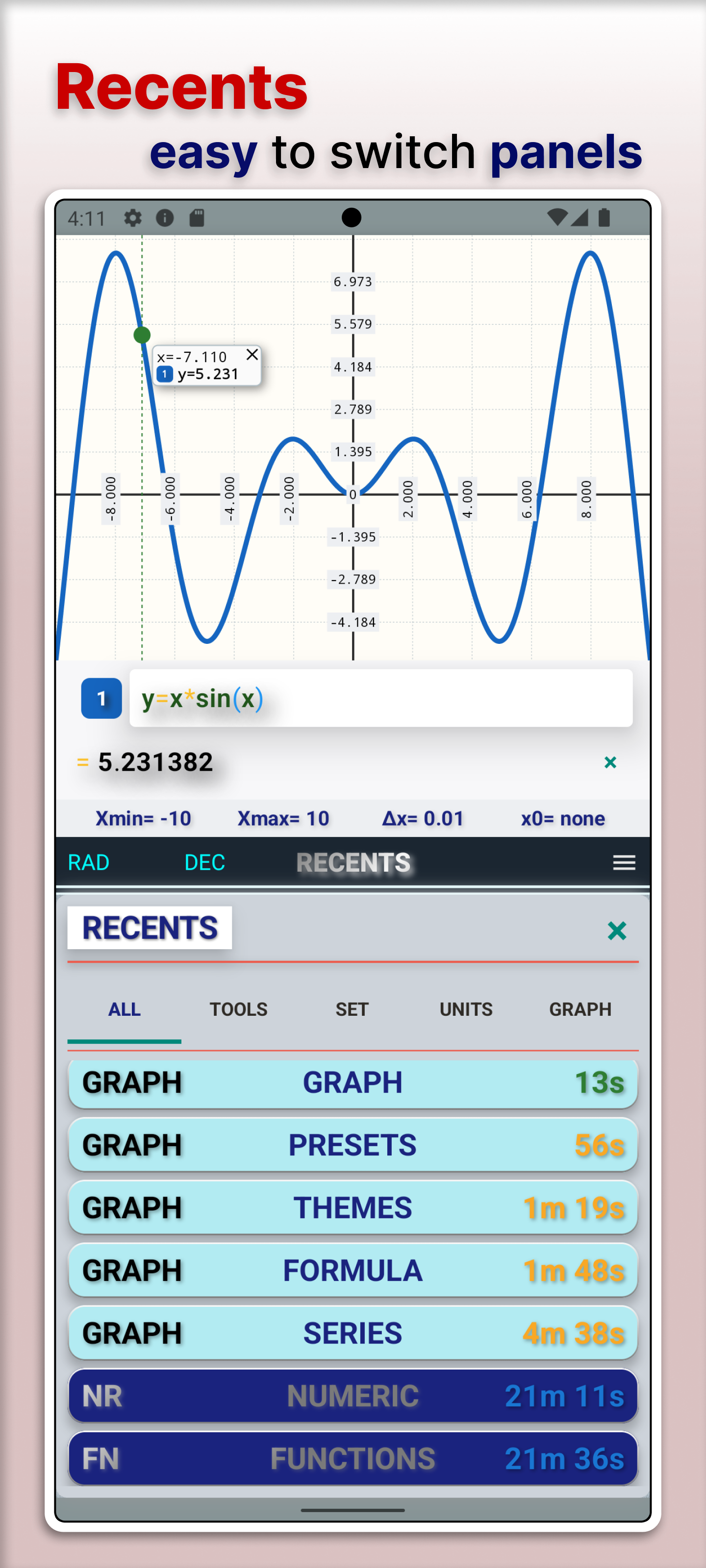
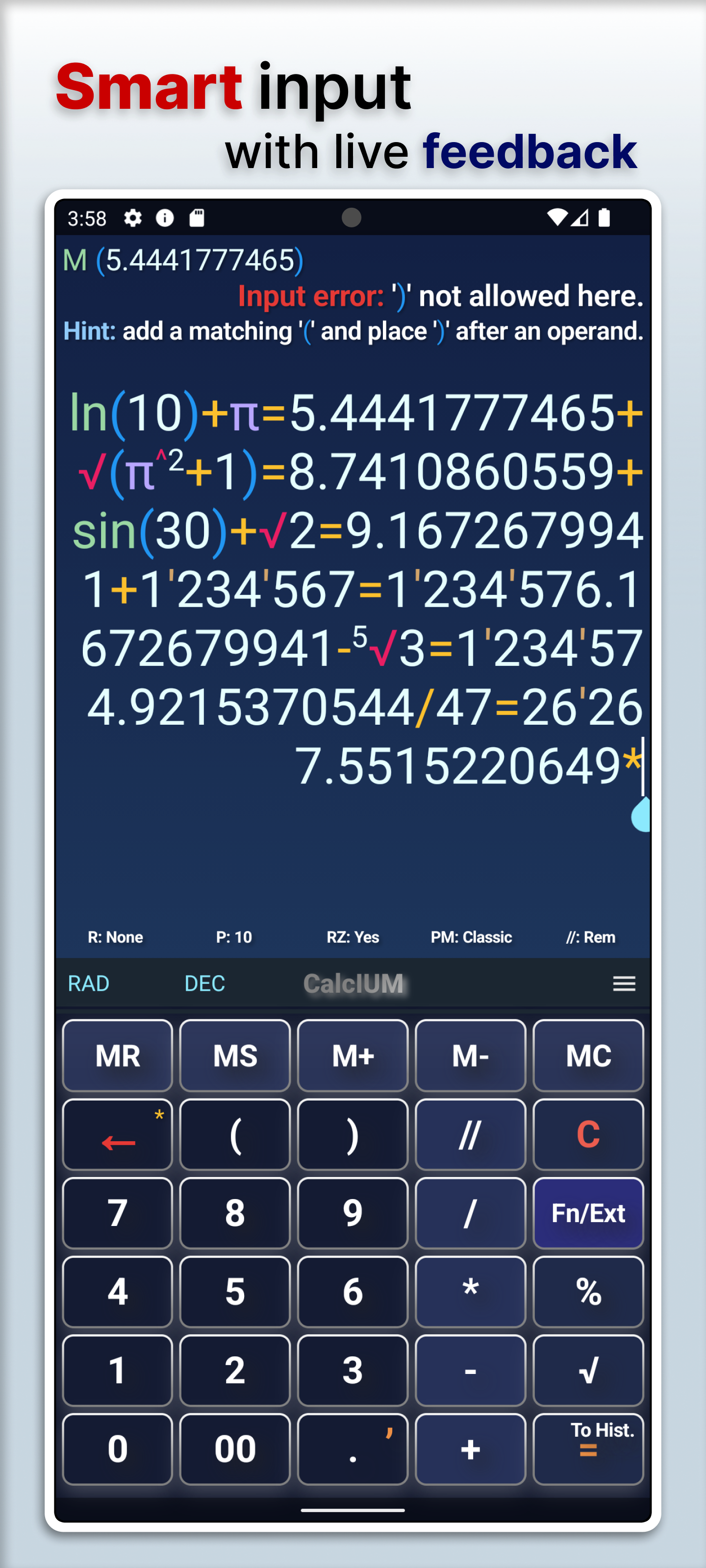
Smart input modes, syntax highlighting, recents for overlays, and a dedicated history screen.
Light and dark UI
Match your environment with themes designed for clarity.
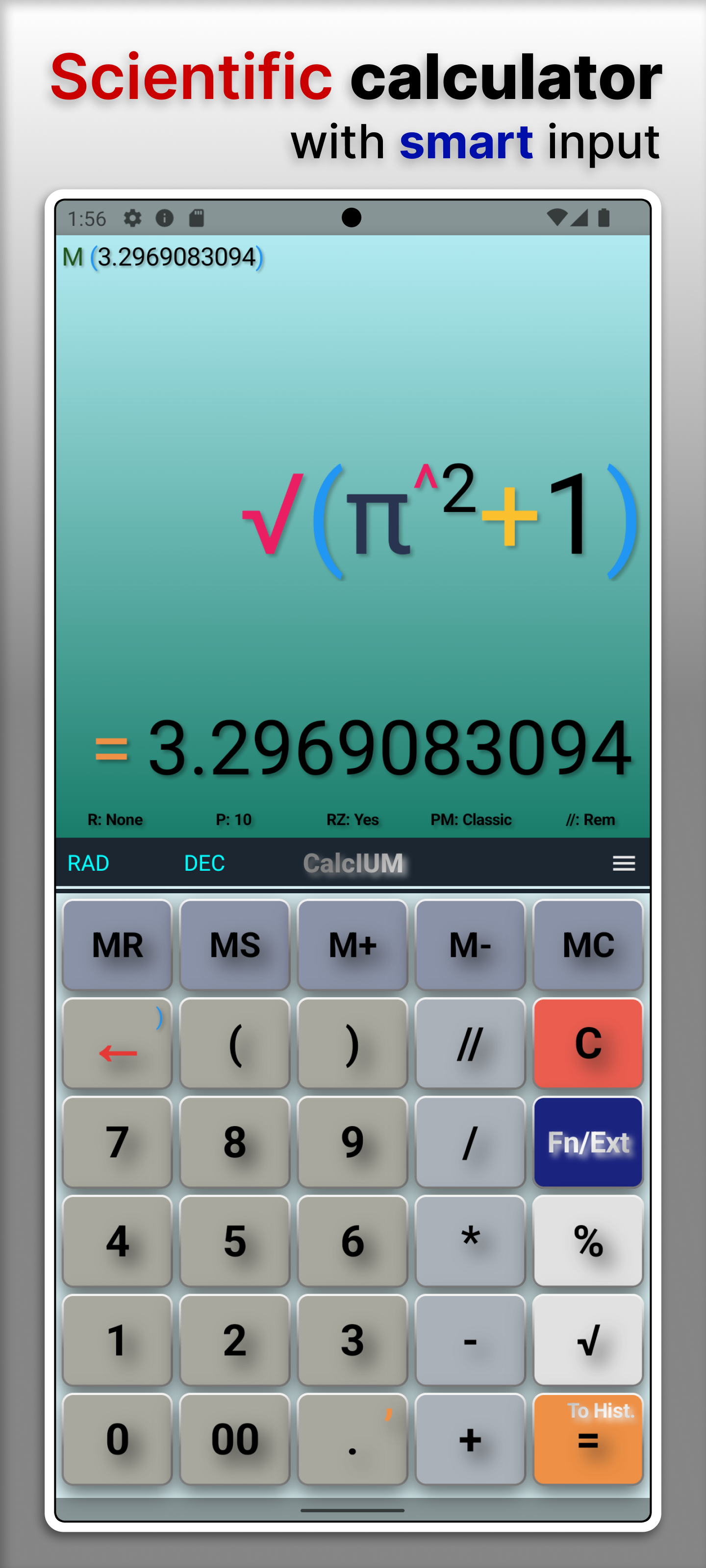
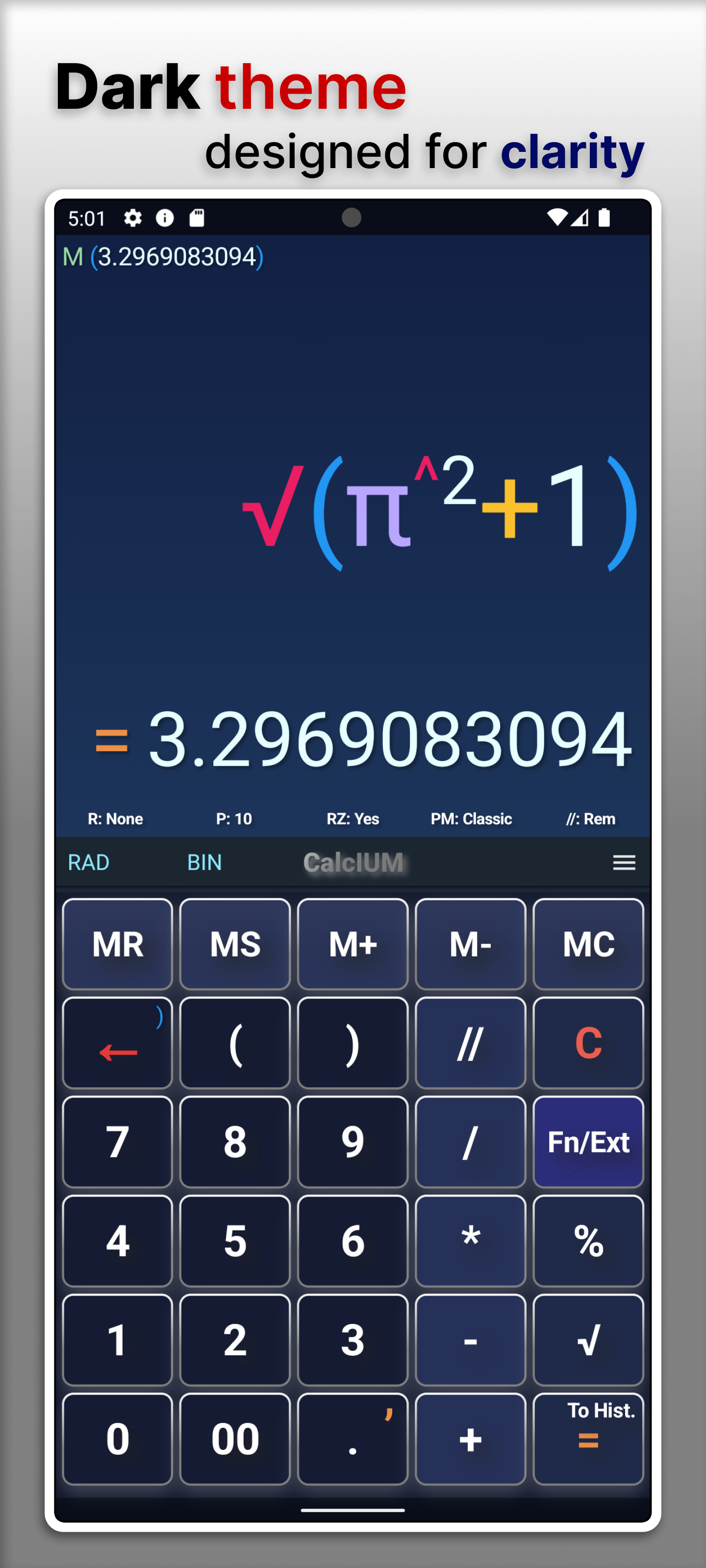
Screens
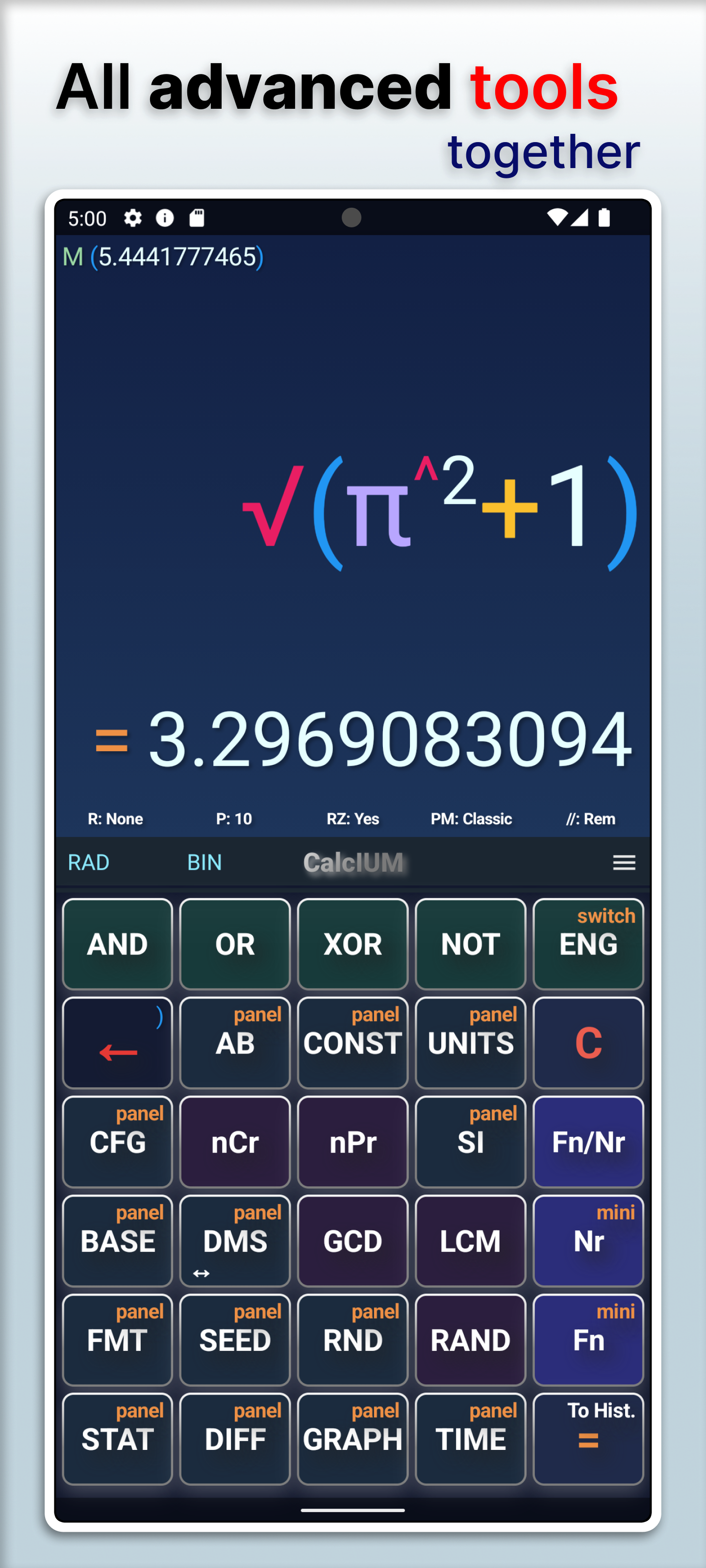
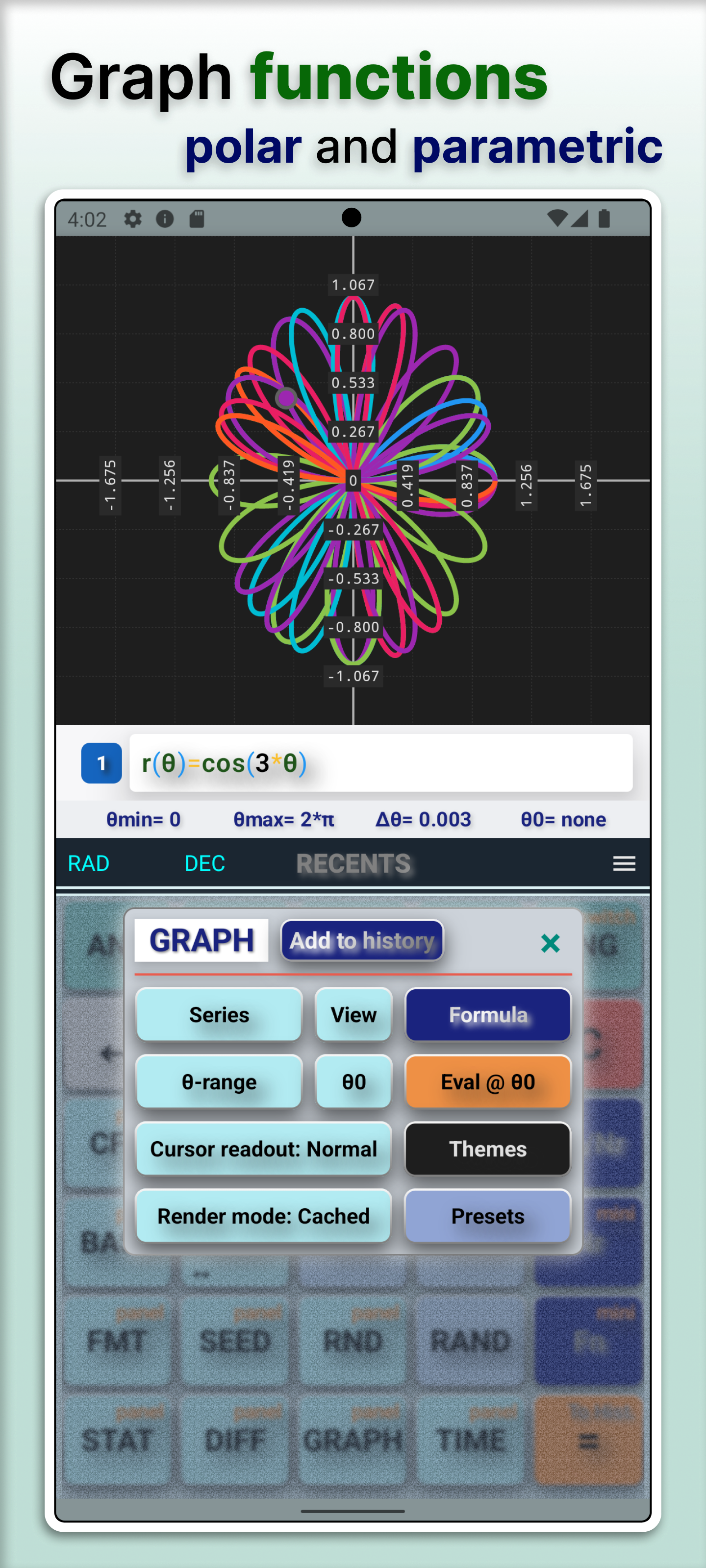
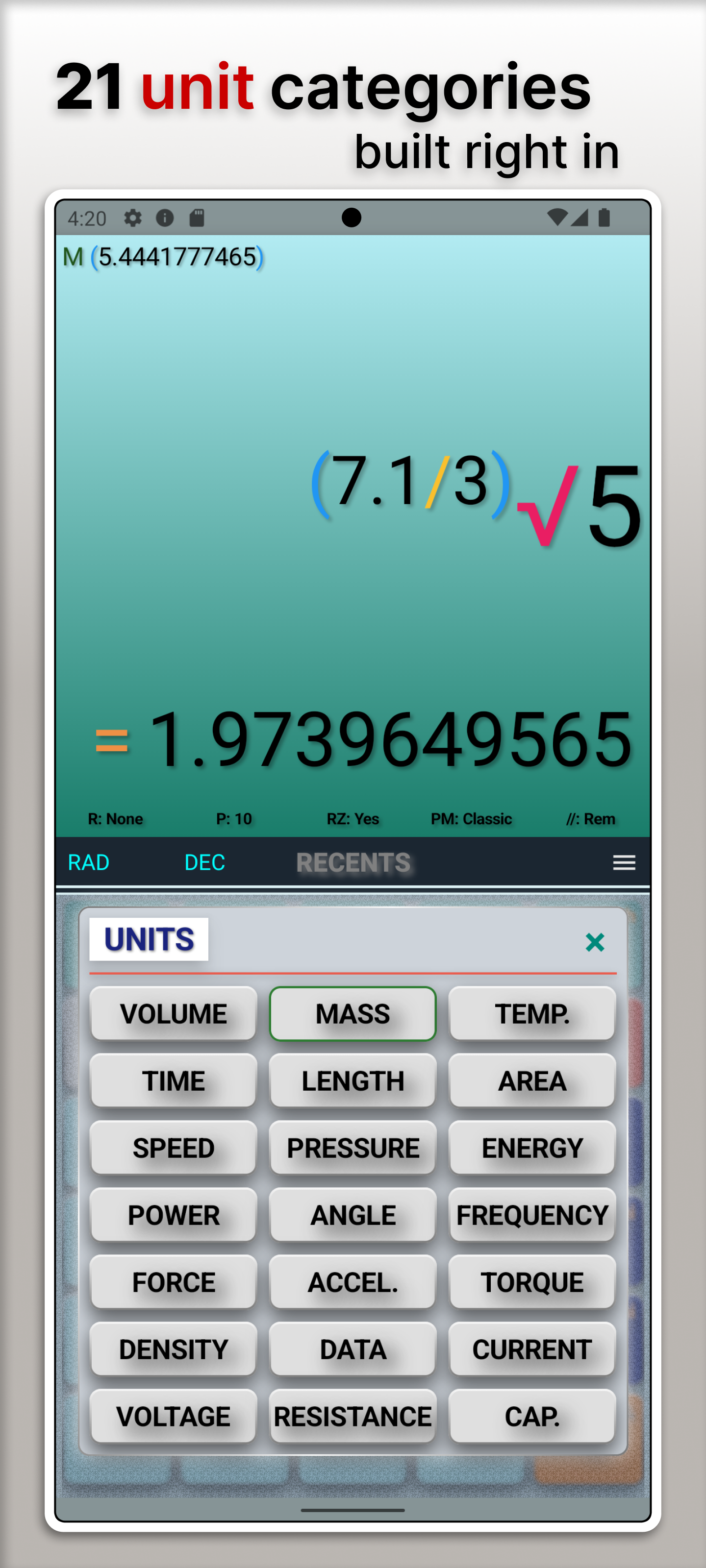
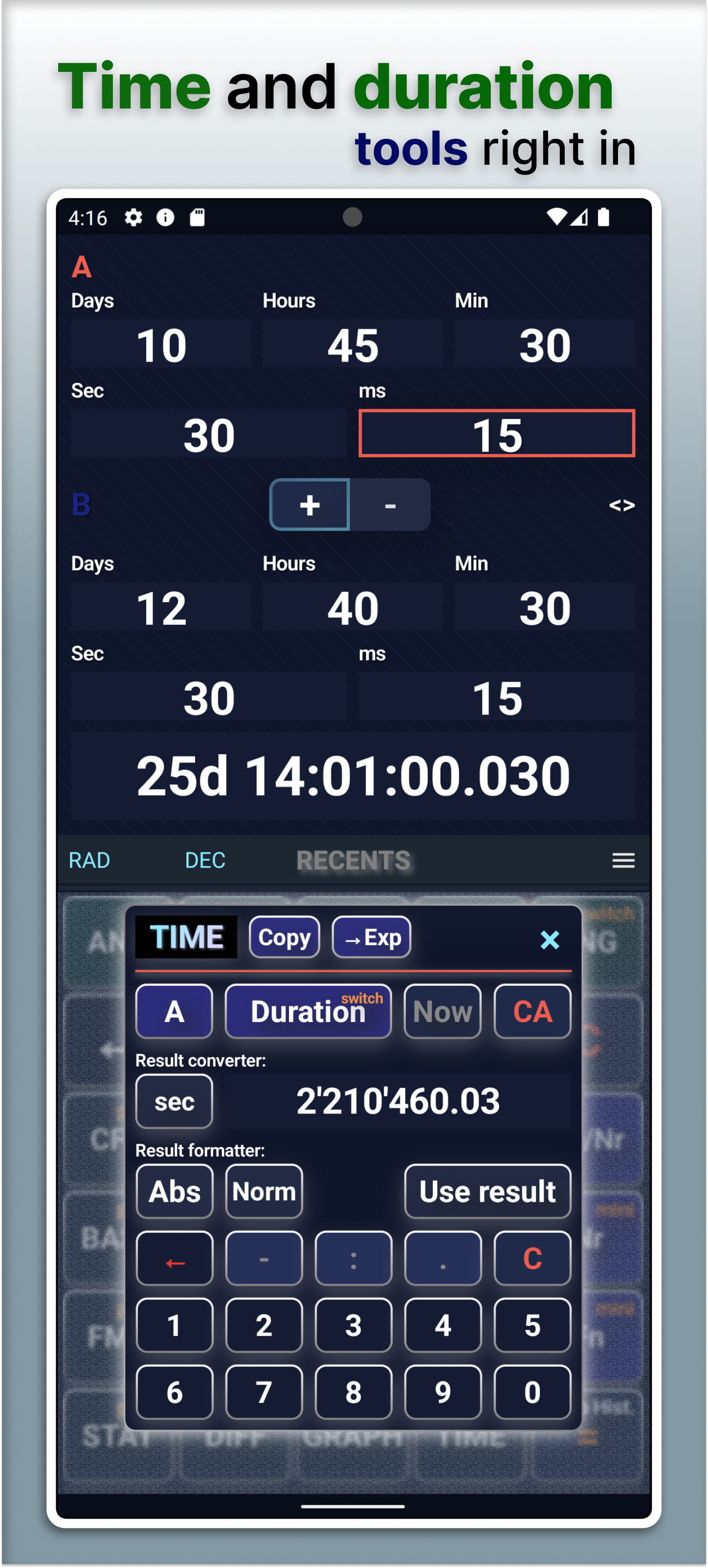
Video — Short overview and a longer walkthrough.
Free and PRO
CalcIUM includes a Free tier and extended PRO capabilities inside the app. Details and availability are shown where you download or purchase.